HubSpot Integration for Content Teams: 2026 Guide
HubSpot Integration for Content Teams: 2026 Guide

HubSpot integration for content teams is a unified content management system that connects content creation, distribution, and reporting directly to HubSpot’s Smart CRM and Marketing Hub. When HubSpot Content Hub replaced CMS Hub in april 2024, it consolidated website hosting, AI content creation, multi-channel distribution, and podcast tools under one platform. That shift changed what “content management” means for marketing teams. Instead of juggling five separate tools, content teams now work inside a single ecosystem where every blog post, landing page, and email connects to real customer data. This guide explains what HubSpot integration for content teams actually does, which features matter most, and how to get full value from each tier.
What is HubSpot integration for content teams?
HubSpot integration for content teams is the practice of connecting Content Hub, Marketing Hub, and HubSpot CRM so that content creation, audience targeting, and performance reporting all share the same data layer. The result is a content operation where a blog post knows who is reading it, a landing page adapts to a visitor’s lifecycle stage, and a sales rep can see which content influenced a deal.
The native CRM integration is the feature that separates this setup from a standard CMS. Most content platforms require middleware or custom API work to pull in customer data. HubSpot’s Content Hub reads CRM attributes like lifecycle stage, buyer persona, and contact list membership directly, with no third-party connector required. That means a content team can build a personalized homepage experience in the same interface they use to write blog posts.

Content Hub also connects to Marketing Hub’s attribution reporting and Sales Hub’s contact timelines. A piece of content does not just generate traffic. It generates attributed pipeline, and every team member can see that connection in one dashboard.
What are the key features of Content Hub for content teams?
Content Hub ships with several features that content teams use daily. The most impactful ones fall into three categories: creation, personalization, and distribution.
Creation tools:
- AI blog writer generates draft posts from a topic brief, trained to match a brand’s tone using the Brand Voice feature
- Content Remix repurposes a single piece of content into social posts, emails, and short-form clips automatically
- Blog narration converts written posts into audio, adding a podcast-style layer without a separate recording setup
- Podcast hosting manages RSS feeds and episode pages inside the same platform as the rest of the content library
Personalization tools:
- Smart content rules swap out page sections, CTAs, and headlines based on CRM data like lifecycle stage or list membership
- Membership gating restricts content to specific contact segments, available at Professional and Enterprise tiers
- HubDB tables power dynamic content pages that pull structured data without custom development at the Enterprise tier
Distribution and reporting:
- Content Hub connects directly to Marketing Hub’s campaign reporting, so every asset ties back to a campaign and an attribution model
- Sales Hub timelines show which content a contact engaged with before and after a sales conversation
Pro Tip: Set up Brand Voice before you use the AI blog writer. The tool trains on your existing content, so the output sounds like your team from day one rather than generic AI copy.
How does HubSpot integration improve team collaboration?
Content Hub professionalizes content operations by adding governance and workflow structure that most standalone CMS platforms lack. That structure is where the real collaboration gains appear.
- Content approval workflows route drafts through defined reviewers before publication. Each step is logged, so teams have a full audit trail without relying on email chains or Slack threads.
- Permission tiers control who can publish, who can edit, and who can only view. Large teams use this to separate agency contributors from internal editors without creating security gaps.
- Editorial calendar integration links scheduled content to SEO performance data and campaign timelines, so writers and strategists work from the same plan.
- Cross-hub data flow means a content manager can see how a blog post contributed to a contact’s progression from lead to customer, without asking the sales team for a report.
- Microsoft Teams integration brings real-time campaign alerts and content approvals into Teams channels, so approvals happen where conversations already occur.
Content Hub collapses bloated martech stacks by combining AI content generation, podcasting, and blog narration in one place. Fewer tools means fewer login contexts, fewer data syncs to maintain, and fewer points of failure when a campaign goes live.
Pro Tip: Use content partitioning at the Enterprise tier to give regional teams or agency partners access to only their content assets. This prevents accidental overwrites and keeps brand governance intact across large organizations.
What tier-based features should content teams evaluate?
HubSpot Content Hub runs across three tiers: Starter, Professional, and Enterprise. The differences are not cosmetic. They determine what your team can actually build.
| Tier | Key content features | Governance and hosting | Best for |
|---|---|---|---|
| Starter | Basic CMS, blog, forms, limited pages | Single domain, no smart content | Small teams, simple sites |
| Professional | Smart content rules, membership gating, SEO tools, A/B testing | Multi-language content, custom reporting | Growing teams with personalization needs |
| Enterprise | HubDB, custom modules, serverless functions, sandbox environments | Multi-domain hosting, content partitioning, advanced permissions | Large organizations with complex architecture |
Advanced features like multi-domain hosting, content partitioning, and sandbox environments are gated at Professional or Enterprise tiers. Teams that skip tier evaluation often discover mid-project that a critical feature sits one tier above their current plan. That discovery is expensive to fix after content architecture is already built.
Smart content rules, which let you swap page sections based on CRM data, require Professional or Enterprise. If personalization is a core goal, Starter is not a viable starting point. Enterprise adds sandbox environments, which let teams test major site changes without touching the live site. For organizations running continuous content experiments, that capability alone justifies the tier upgrade.
Complex integrations with third-party digital asset managers or enterprise content stores require certified HubSpot partners to maintain data flows and governance. Budget for that resource before you commit to an Enterprise rollout.
How can content teams apply HubSpot integration to improve marketing performance?
The practical applications of HubSpot integration go well beyond publishing blog posts. The most effective content teams use the CRM connection to do things that a standalone CMS simply cannot do.
- Targeted content personalization: A SaaS company can show a different homepage hero to a free-trial user versus a paying customer, using lifecycle stage data already in the CRM. No custom code required at the Professional tier.
- Embedded content in external platforms: Teams running WordPress for legacy reasons can embed HubSpot forms, CTAs, and smart content modules into external pages, keeping CRM data flowing without a full migration.
- Full-funnel attribution: Linking blog analytics to Marketing Hub attribution and Sales Hub timelines gives content teams revenue-focused reporting beyond simple traffic metrics. A content manager can show exactly which posts contributed to closed deals.
- AI-assisted content scaling: Content Remix lets a team turn one long-form article into a week of social posts, an email newsletter excerpt, and a short video script. That multiplies output without multiplying headcount.
- Lead nurturing integration: Blog posts connect directly to HubSpot workflows, so a reader who downloads a content offer automatically enters a nurture sequence without any manual setup.
HubSpot’s Marketing Studio adds an AI-powered workspace that connects campaign planning with marketing channels, giving content teams a collaborative layer for asset creation and campaign coordination. Teams using Marketing Studio alongside Content Hub report faster campaign cycles because planning and production happen in the same environment.
Pro Tip: Map your CRM lifecycle stages before you build smart content rules. Smart content rules require advanced planning on lifecycle stages and behavioral triggers to deliver meaningful personalization rather than random variation.
For content teams also building a LinkedIn presence alongside their HubSpot content operation, B2B marketing on LinkedIn benefits from the same CRM-informed targeting logic that makes HubSpot personalization effective.
Key Takeaways
HubSpot integration for content teams works best when CRM data, content governance, and multi-channel distribution operate inside a single connected system rather than across separate tools.
| Point | Details |
|---|---|
| CRM-connected content | Smart content rules use lifecycle stage and persona data to personalize pages without custom code. |
| Tier selection matters | Smart content, multi-domain hosting, and sandbox environments require Professional or Enterprise tiers. |
| Governance drives scale | Content approval workflows, audit logs, and permission tiers prevent content sprawl in large teams. |
| Full-funnel visibility | Linking Content Hub analytics to Sales Hub timelines shows which content drives revenue, not just traffic. |
| Stack consolidation | Content Hub replaces separate tools for blogging, podcasting, narration, and AI writing in one platform. |
What I’ve learned about HubSpot integration after watching teams adopt it
Most content teams underestimate how much governance work comes before the creative work. They see the AI blog writer and the smart content rules and assume the platform does the thinking for them. It does not. Content Hub operates best with a defined content taxonomy and editorial governance to control content sprawl and maintain strategic focus at scale. Teams that skip that planning phase end up with hundreds of pages that nobody can find and smart content rules that fire on the wrong segments.
The other thing I see teams get wrong is treating Content Hub as a standalone tool rather than an orchestration layer. Its value multiplies when it connects to Marketing Hub campaigns and Sales Hub timelines. A team that only uses it to publish blog posts is paying for a CMS when they could be running a full content operation.
My honest recommendation: if you are evaluating HubSpot integration, start with a content audit and a CRM data audit before you touch a single page template. Know your lifecycle stages. Know your content categories. Then build. The platform rewards teams that arrive with a plan. For teams scaling LinkedIn content alongside their HubSpot operation, tools like Resonate can fill the gap that Content Hub does not cover, specifically voice-calibrated social content that connects to the same CRM context you are already building.
- Tom
AI content tools that work alongside HubSpot integration
HubSpot Content Hub handles website content, email, and campaign assets well. LinkedIn content is a different workflow, and most content teams treat it as an afterthought.
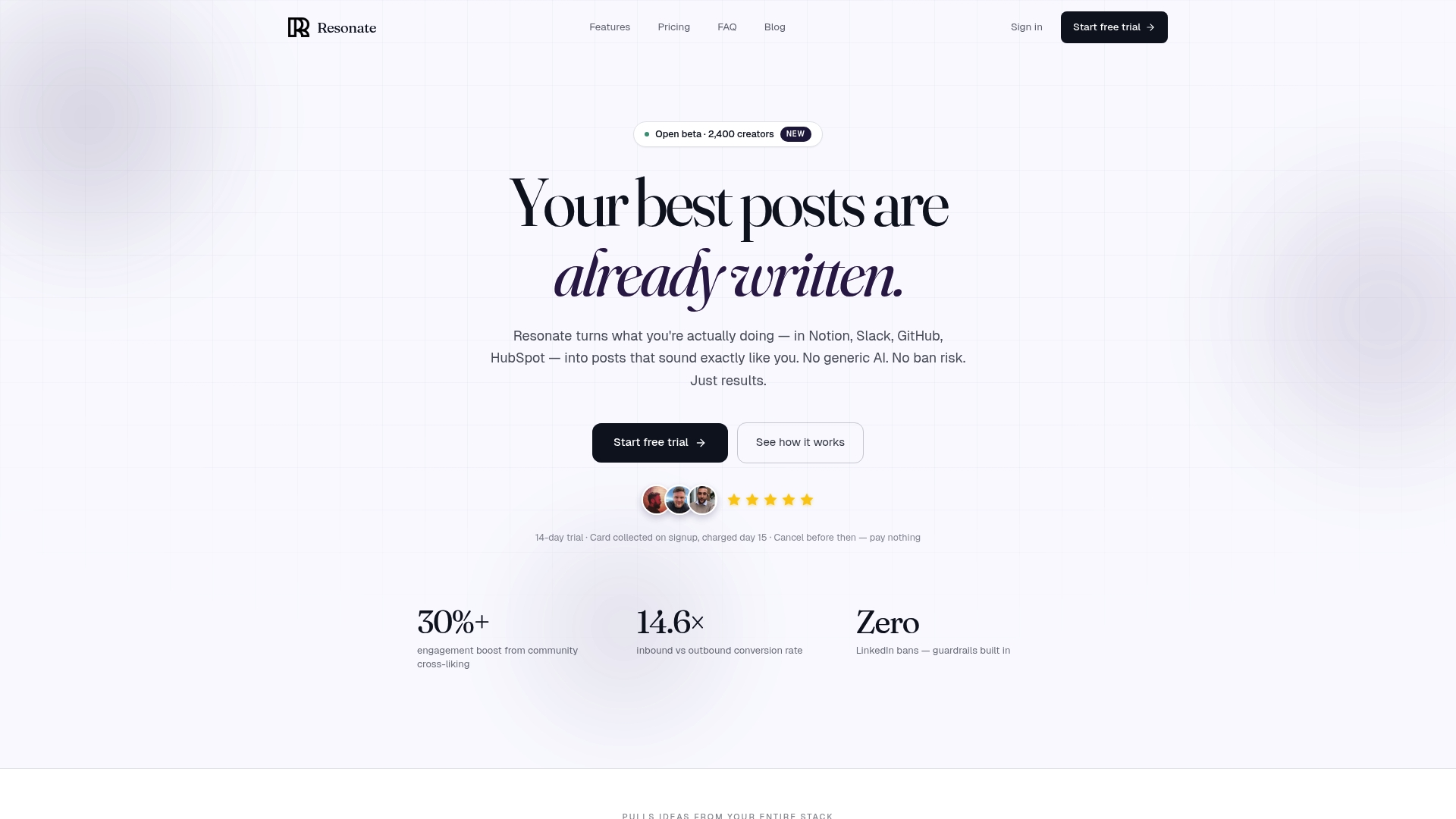
Resonate is built for exactly that gap. It connects to your work tools, including HubSpot, to pull in context from your actual work and generate LinkedIn posts that sound like you, not like a template. The platform trains on your writing style, predicts engagement before you publish, and keeps your posting consistent without requiring daily manual effort. For content teams already invested in HubSpot’s ecosystem, Resonate adds the LinkedIn layer that Content Hub does not cover. You get personalized, voice-calibrated posts that extend your content operation to the channel where B2B buyers actually spend their time.
FAQ
What is HubSpot Content Hub?
HubSpot Content Hub is a centralized content management platform that replaced CMS Hub in april 2024. It combines website hosting, AI content creation, multi-channel distribution, and podcast tools with HubSpot’s Smart CRM.
How does HubSpot integration help with content personalization?
HubSpot’s Smart content rules use CRM data like lifecycle stage and buyer persona to swap page sections, CTAs, and headlines for different visitors. This feature is available at Professional and Enterprise tiers without custom coding.
Does HubSpot Content Hub replace a standalone CMS?
Content Hub functions as a full CMS for most marketing teams, but organizations with complex legacy systems often embed HubSpot modules into external platforms like WordPress rather than migrating entirely.
What tier do content teams need for advanced collaboration features?
Professional tier unlocks smart content rules, membership gating, and multi-language content. Enterprise adds multi-domain hosting, content partitioning, sandbox environments, and advanced permission controls for large teams.
Can HubSpot integration connect with communication tools like Microsoft Teams?
The HubSpot and Microsoft Teams integration brings real-time campaign alerts and content approvals into Teams channels, letting teams approve marketing content directly from their existing communication workflow.
Recommended
- LinkedIn Content vs LinkedIn Outreach: Which Drives More B2B Leads in 2026? · Resonate
- Content Repurposing: Turn Your Blog, Video, or Podcast Into LinkedIn Posts in 2026 · Resonate
- Resonate - LinkedIn Content Generator That Sounds Like You
See how Resonate's LinkedIn content generator handles this end to end - from voice training on your real writing to ban-safe scheduling via the official LinkedIn API.

Content Writer @ Resonate
Charlotte explores LinkedIn content, personal branding, AI writing, and founder-led marketing at Resonate. She believes the best content comes from real experience, not generic advice, and writes practical insights to help founders turn what they already know into content that people want to read.
Write LinkedIn content that sounds like you
with Resonate's AI Voice Engine