Integrating CRM With LinkedIn Strategy: 2026 Guide
Integrating CRM With LinkedIn Strategy: 2026 Guide

LinkedIn-CRM integration is defined as the practice of connecting your customer relationship management platform directly to LinkedIn so that profile data, engagement signals, and lead activity flow into a single, unified system. Integrating CRM with LinkedIn strategy is the most direct way to close the gap between social selling and pipeline management. Teams that build this connection properly can expect early success signals within 2 - 3 months and meaningful pipeline impact after 4 - 6 months. The three main approaches are browser extensions, native connectors, and automation platforms, each suited to different team sizes and budgets.
1. What are the top methods for integrating CRM with LinkedIn?
Three distinct integration methods exist, and choosing the wrong one wastes both time and money.
Browser extensions are the fastest path to CRM and LinkedIn integration. They sit inside your browser, capture profile data in real time, and push it directly to your CRM with a single click. Browser extensions suit startups and small teams because setup takes minutes and costs far less than premium LinkedIn licenses. OAuth pop-ups handle secure authorization between the extension and your CRM without any password sharing.

Native connectors go deeper. They embed LinkedIn data directly inside your CRM interface, so reps never leave their workflow. The trade-off is cost. Native connectors typically require LinkedIn Sales Navigator Advanced Plus licenses, which carry a significant price tag. They also often display profile data without fully exporting it, which limits automation.
Automation platforms like Zapier sit between LinkedIn and your CRM, building custom workflows that trigger actions based on LinkedIn events. They offer the most flexibility for RevOps teams. Automation platforms enable custom workflows but require complex setup and ongoing maintenance to stay functional.
| Method | Ease of setup | Cost | Best for | Data richness |
|---|---|---|---|---|
| Browser extension | High | Low | Startups, small teams | Good |
| Native connector | Medium | High | Enterprise sales teams | Very good |
| Automation platform | Low | Medium | RevOps, custom workflows | Excellent |
Pro Tip: Assess your team size and monthly LinkedIn budget before committing. A five-person sales team rarely needs a native connector. A 50-person RevOps team almost always does.
2. How to map and automate LinkedIn data fields in your CRM
Field mapping is the foundation of any working integration. Without it, data lands in the wrong place or gets lost entirely.
Start with standard fields: first name, last name, job title, company, LinkedIn profile URL, and industry. These map directly to standard CRM contact records. Then add custom fields for data your CRM does not capture by default, such as LinkedIn connection degree, mutual connections, or last engagement date. Proper field mapping enables automatic lead enrichment, follow-up task creation, and contact tagging inside your CRM, cutting manual entry significantly.
Deduplication deserves its own rule set. Set your CRM to match incoming LinkedIn records against existing contacts by email address first, then by full name plus company. Without this, a single prospect can appear as three separate records after three different reps visit their profile.
Automation possibilities once mapping is in place:
- Auto-enrich new leads with LinkedIn job title and company data on record creation
- Create a follow-up task when a prospect accepts a connection request
- Tag contacts with their LinkedIn industry segment for segmentation
- Trigger a sequence when a prospect comments on one of your posts
- Assign lead ownership immediately on sync to speed up first contact
Pro Tip: Assign lead ownership at the moment of sync, not after a manual review step. Every hour of delay reduces the chance of a meaningful first conversation.
Data privacy is non-negotiable. GDPR and CCPA require opt-in data collection and compliant storage protocols when syncing LinkedIn data to any CRM. Build consent checkpoints into your capture workflow before you automate at scale.
3. Best practices for data quality and speed
Real-time sync beats batch sync every time. Batch syncing leads to slower follow-up, and slower follow-up means lost deals. A lead who engages with your LinkedIn post at 9:00 AM should appear in your CRM by 9:01 AM, not the next morning during a scheduled batch run.
Data decay is the silent killer of integrated systems. Job titles change, companies get acquired, and people leave roles. Schedule a monthly data audit to flag records that have not been updated in 90 days. Most CRM platforms support automated data health reports that surface stale records without manual review.
Common pitfalls and how to avoid them:
- Ignoring speed-to-lead: Set up real-time push workflows, not daily batch imports
- Over-mapping fields: Map only the fields your team actually uses; unused fields create noise
- Skipping deduplication rules: Define match criteria before your first sync, not after duplicates appear
- Failing to train the team: Integration tools only work if reps use them consistently
- Neglecting engagement alerts: Set CRM notifications for LinkedIn InMail replies and post comments so reps act while context is fresh
Sales team adoption is where most integrations fail in practice. The tool can be perfect, but if reps bypass it and log notes manually, the data quality collapses within weeks. Run a short onboarding session focused on the three actions reps will perform daily: capturing a profile, logging an engagement, and triggering a follow-up task.
4. How CRM integration enhances your content and outreach strategy
Synchronized CRM data makes your LinkedIn outreach sharper and more personal. When you know a prospect’s industry, seniority level, and recent activity, you can reference specific context in your messages instead of sending generic connection requests.
Treating LinkedIn and CRM as one unified system for positioning, content, and measurement is the approach that actually influences buying decisions. Professionals who keep LinkedIn activity disconnected from their CRM lose consistency and fail to build the repeated touchpoints that move prospects through a pipeline.
Content plays a direct role in lead generation when it feeds your CRM. A viral post generates inbound connection requests. Those requests, when captured automatically, become enriched CRM leads with context attached. Employee advocacy with genuine, personalized content outperforms forced reshares of corporate posts by a wide margin. Authentic posts from individual team members reach audiences that branded company pages never touch.
Ways to connect content performance to your CRM:
- Tag CRM leads by the post or campaign that first generated their connection request
- Use LinkedIn engagement data (likes, comments, shares) to score leads inside your CRM
- Trigger personalized follow-up sequences based on which content a prospect engaged with
- Track which content types generate the highest quality leads, then produce more of them
For a deeper look at how content and outreach compare as lead drivers, the analysis at LinkedIn content vs. outreach breaks down which approach delivers better pipeline results in 2026.
5. Situational recommendations for scaling your integration
The right integration setup depends on where your business is today, not where you plan to be in three years.
Startups and small teams should start with a browser extension. The cost is low, setup takes less than an hour, and the data capture is good enough to build a clean CRM foundation. Avoid overbuilding automation before you have a repeatable sales motion. A simple workflow that captures LinkedIn profiles and creates follow-up tasks is more valuable than a complex multi-step automation that breaks every time LinkedIn updates its interface.
Mid-market teams benefit from adding an automation platform once the sales motion is proven. This is the stage where custom workflows, lead scoring, and multi-channel sequences start to pay off. Budget for the added maintenance cost of keeping automation workflows current.
Enterprise teams with dedicated RevOps functions should evaluate native connectors alongside automation platforms. The embedded experience reduces friction for large sales teams, even at the higher license cost.
| Team size | Recommended method | Key feature priority | Estimated setup time |
|---|---|---|---|
| 1 - 10 people | Browser extension | Real-time capture | Under 1 hour |
| 11 - 50 people | Automation platform | Custom workflows | 1 - 2 weeks |
| 50+ people | Native connector | Embedded CRM experience | 2 - 4 weeks |
Scaling from a single use case to full marketing-sales alignment takes time. Build one workflow, measure it for 30 days, then add the next. Teams that try to automate everything at once end up with brittle systems and dirty data. For a practical look at how B2B marketing on LinkedIn connects to CRM-driven lead nurturing, the full breakdown covers the sequencing that actually works.
Key takeaways
Integrating CRM with LinkedIn strategy works best when you match the integration method to your team size, map only the fields you will actually use, and prioritize real-time sync over batch processing to protect speed-to-lead.
| Point | Details |
|---|---|
| Choose the right method | Match browser extensions, native connectors, or automation platforms to your team size and budget. |
| Map fields deliberately | Capture standard and custom fields, then set deduplication rules before your first sync. |
| Prioritize real-time sync | Real-time push workflows outperform batch syncing for lead conversion speed. |
| Connect content to CRM | Tag leads by the content that generated them to improve segmentation and follow-up. |
| Scale one workflow at a time | Build and measure one automation before adding the next to keep data clean. |
What I’ve learned about integration that most guides skip
Most articles on this topic treat integration as a technical problem. It is not. It is a behavior problem.
I have watched teams spend weeks configuring a perfect browser extension setup, complete with field mapping, deduplication rules, and automated follow-up tasks. Then the reps ignore it. They keep their own spreadsheets. They log calls manually. The integration becomes a ghost system with clean architecture and no real data.
The fix is not better tooling. It is fixing your LinkedIn positioning and content posture before you automate anything. Fixing LinkedIn positioning first is the step most teams skip because it feels slower than setting up a Zapier workflow. It is not. A rep with a weak LinkedIn profile and no content presence will generate low-quality leads regardless of how well the CRM sync is configured.
The other thing I have seen teams get wrong is ignoring the early signals. The 2 - 3 month window is when you learn whether your integration is capturing the right data. Most teams wait until month six to audit their CRM records and then discover months of dirty data. Check your field mapping after the first two weeks. Fix it before the data compounds.
The teams that get this right treat LinkedIn and CRM as one system from day one. They do not think “LinkedIn is for prospecting and CRM is for tracking.” They think “every LinkedIn action is a CRM event.” That mental shift changes everything about how they build workflows, write content, and measure results.
- Tom
How Resonate fits into your LinkedIn content workflow
A well-configured CRM integration captures LinkedIn activity, but it only works if your LinkedIn presence generates activity worth capturing. Resonate is built to solve exactly that problem.
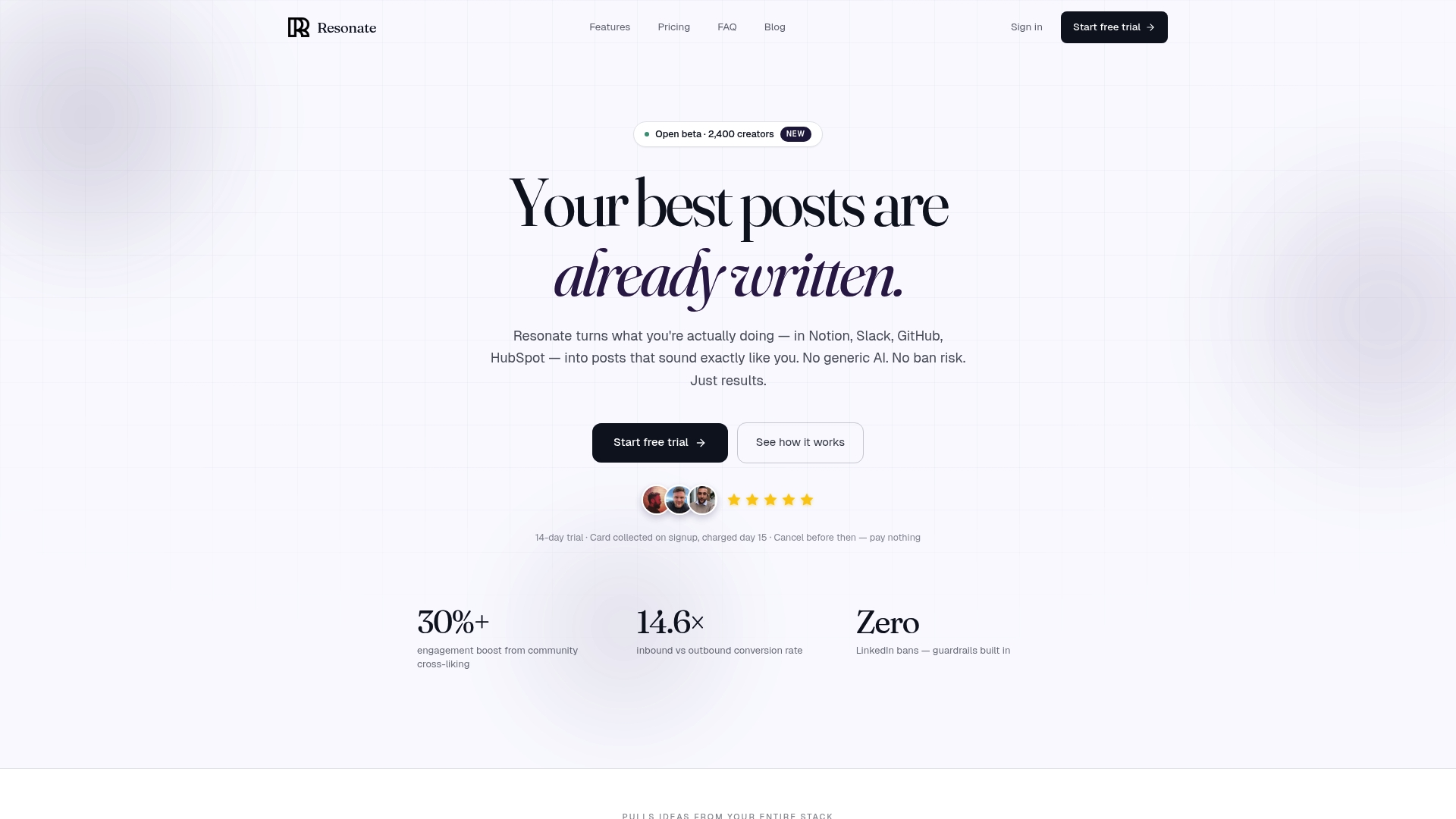
Resonate connects to tools like HubSpot, Notion, and Slack to pull in real work context, then generates LinkedIn posts calibrated to your actual voice and writing style. Its AI critique agents review drafts before they go live, and its community boost feature amplifies reach immediately after publication. For professionals who want their LinkedIn content to feed a real pipeline, Resonate’s LinkedIn content generator gives you the content engine that makes your CRM integration worth building.
FAQ
What is LinkedIn-CRM integration?
LinkedIn-CRM integration is the process of connecting LinkedIn profile and engagement data directly to a CRM platform so that lead records are automatically enriched and updated. It creates a single source of truth for sales and marketing teams.
How long does it take to see results from CRM and LinkedIn integration?
Teams typically see early success signals within 2 - 3 months and meaningful pipeline impact after 4 - 6 months of consistent use.
What is the easiest way to connect CRM to LinkedIn?
Browser extensions are the fastest and most affordable method. They capture LinkedIn profile data in real time and push it to your CRM with minimal setup, making them ideal for small teams.
Do I need LinkedIn Sales Navigator for CRM integration?
Native CRM connectors typically require a LinkedIn Sales Navigator Advanced Plus license. Browser extensions and automation platforms work without it, at a lower cost.
How does GDPR affect LinkedIn data syncing to a CRM?
GDPR and CCPA require that all LinkedIn data captured and stored in a CRM comes through opt-in channels. Build consent checkpoints into your capture workflow before automating lead collection at scale.
Recommended
- Resonate for B2B Marketing: Turn LinkedIn Into a Lead Generation Engine in 2026
- LinkedIn Content vs LinkedIn Outreach: Which Drives More B2B Leads in 2026? · Resonate
- LinkedIn Engagement Automation: The Risks No One Talks About in 2026 · Resonate
- LinkedIn Post Scheduler: How to Schedule LinkedIn Posts with AI in 2026 · Resonate
See how Resonate's LinkedIn content generator handles this end to end - from voice training on your real writing to ban-safe scheduling via the official LinkedIn API.

Content Writer @ Resonate
Charlotte explores LinkedIn content, personal branding, AI writing, and founder-led marketing at Resonate. She believes the best content comes from real experience, not generic advice, and writes practical insights to help founders turn what they already know into content that people want to read.
Write LinkedIn content that sounds like you
with Resonate's AI Voice Engine