Top 5 Evyai Alternatives for 2026
Top 5 Evyai Alternatives for 2026

Choosing a LinkedIn content automation tool that generates authentic posts and keeps your account safe is a challenge for active creators and agencies. Many well-known options rely on risky browser automation or fail to match your writing voice, which results in generic drafts or flagging from LinkedIn. This list covers pricing, voice learning, integrations, and workflow controls so you can select the platform that fits your publishing style and workload.
Resonate
At a Glance
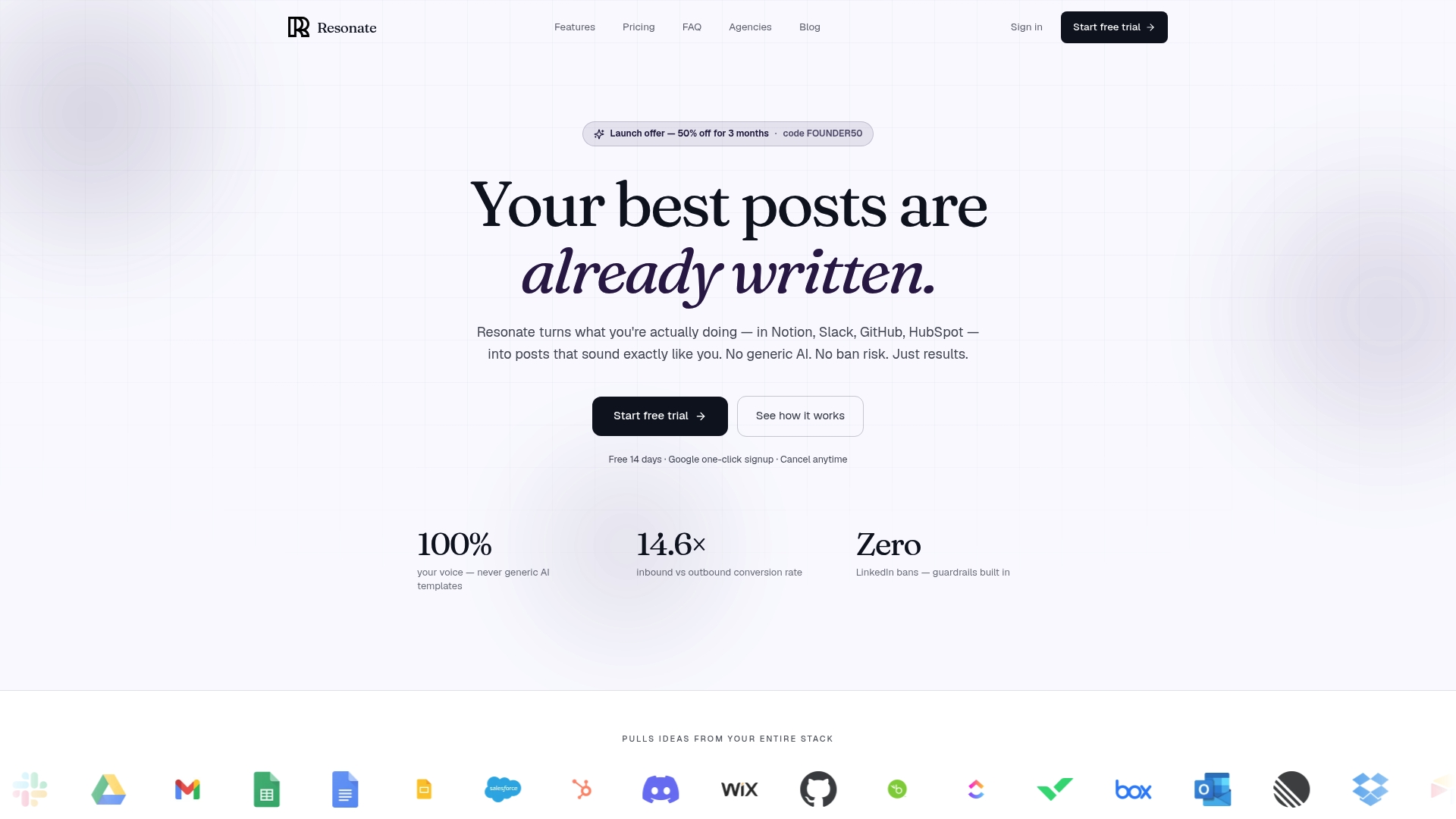
Connects to Notion, Slack, GitHub, HubSpot, and other work tools to surface post ideas from your actual work. It learns your writing patterns to draft posts that read like your voice while using official APIs to reduce LinkedIn ban risk. The product targets founders, agencies, and active LinkedIn creators who publish frequently.
Core Features
Resonate pulls notes, messages, commits, and CRM activity into a single content queue and drafts posts that reflect your real work. The platform learns your voice from connected tools and predicts engagement while suggesting optimal posting times. It uses official publishing APIs and configurable guardrails so automation runs without relying on unsafe account actions.
Key Differentiator
Resonate trains on your personal workspace data to mimic your writing style and produce authentic posts rather than generic templates. That voice calibration comes from continuous learning across your Notion, Slack, GitHub, and HubSpot activity. The result is content that echoes your real examples and phrasing while keeping automation within LinkedIn policy.
Pros
Resonate generates content that closely matches an individual author voice, which reduces the editing time for creators who want authentic posts. It combines idea discovery, drafting, engagement prediction, and scheduling in one workflow so you do not patch together separate tools. Safety measures and configurable limits lower the chance of triggers that lead to LinkedIn restrictions. The platform also includes AI critique from specialized agents and analytics that refine suggestions over time.
Cons
- Initial setup and training can be time consuming for new users, especially when connecting multiple work tools and calibrating voice profiles.
Notable Integrations
- Notion
- Slack
- Gmail
- Google Drive
- Google Sheets
- Google Docs
- Google Slides
Who It’s For
Active LinkedIn content creators, founders, and agencies that publish regular thought leadership or client work will get the most value. Teams that already keep work artifacts in Notion, Slack, GitHub, or HubSpot will see faster idea surfacing and less manual drafting. Smaller creators who want a low cost entry may find the learning curve and price are a poor match.
Unique Value Proposition
Community boosts that amplify post reach immediately after publication let you test and scale topical posts quickly. That mechanism pairs with voice calibration so posts look organic while receiving an early reach uplift. For a creator who needs fast visibility plus posts that feel natural, this combo changes how you validate ideas and grow presence.
Real World Use Case
A founder connects Resonate to Slack, GitHub, and Notion. The system surfaces a recent product launch, drafts a post in the founder’s tone, and schedules it at the predicted high engagement window. The founder publishes without heavy editing and watches early community boosts increase initial impressions.
Pricing
Resonate pricing is as follows: Starter: $99/mo, Growth: $199/mo (includes 3 people), Done-for-you: $999/mo, Team: from $1,999/mo, and Agency: $299/mo + $99 per active client. That price positions the product toward creators and agencies ready to invest in automation and custom voice training.
Website: https://www.getresonate.ai
Buzzli
At a Glance
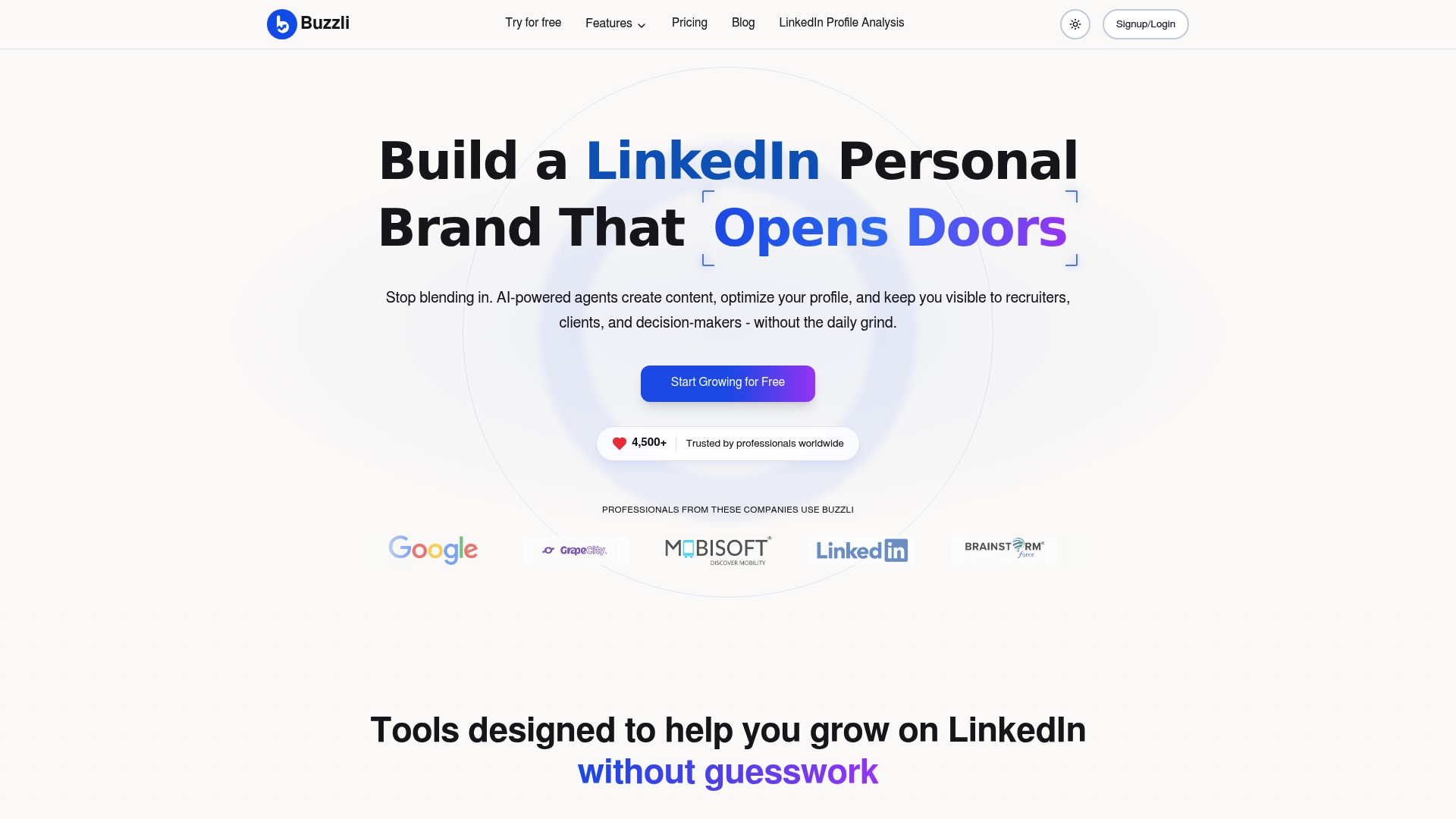
Buzzli reports it is trusted by over 4,500 professionals worldwide. The tool focuses exclusively on LinkedIn content, profile optimization, and personal branding using AI workflows. Its marketing highlights autonomous AI agents that research, write, and schedule posts so teams spend less time on day to day posting.
Core Features
Buzzli combines AI content generation for posts and carousels with research tools that surface trending LinkedIn posts. It includes profile analysis and optimization, a viral post discovery engine, automated scheduling, and personalized content plans for LinkedIn. These features work together to turn raw notes or topical signals into a publishing calendar that reflects a user style and niche.
Key Differentiator
The standout is Buzzli’s personalized AI agents that operate with minimal direction. Those agents research your niche, draft posts, and schedule them to your calendar autonomously while attempting to match your voice. That workflow reduces the manual steps most LinkedIn creators handle every week.
Pros
Buzzli automates routine content tasks and profile checks, which saves hours of manual work each week. The platform offers tailored suggestions based on its analysis and bundles post, carousel, and research tools in one place. Teams and individuals can trial the product using a free tier before moving to paid plans.
Cons
- Reliance on AI can produce generic sounding content that needs human editing.
- Customization options for generated copy are limited compared with hand edited drafts.
- Several useful analyses and agent features sit behind paid upgrades.
- Results depend heavily on user prompts and ongoing engagement with suggestions.
When It May Not Fit
If you need deeply handcrafted brand voice control, Buzzli may feel limiting. Organizations that require detailed editorial workflows or many custom approval stages will find the agent autonomy too blunt. Buyers focused on long form storytelling or complex multi channel campaigns will likely need a separate editorial tool.
Who It’s For
Buzzli fits professionals seeking automated LinkedIn growth tools, including entrepreneurs, job seekers, and small corporate teams. It suits people who want to shorten the time between idea and published post while keeping a consistent presence. Users comfortable refining AI drafts after generation will get the most value.
Real World Use Case
According to the company, a digital marketing consultant used Buzzli to generate weekly ideas, optimize her profile, and analyze viral posts, and she increased her profile views by over 300%. The consultant used agent drafts as starting points and edited voice and data points before publishing. That workflow let her publish more consistently without hiring a writer.
Pricing
Buzzli offers a free tier for initial experimentation. Paid plans start at $12.50 for Pro and $25 for Premium. The Personal Branding Agent requires a one time fee plus a monthly subscription as described on the vendor site.
Website: https://buzzli.io
Supergrow
At a Glance
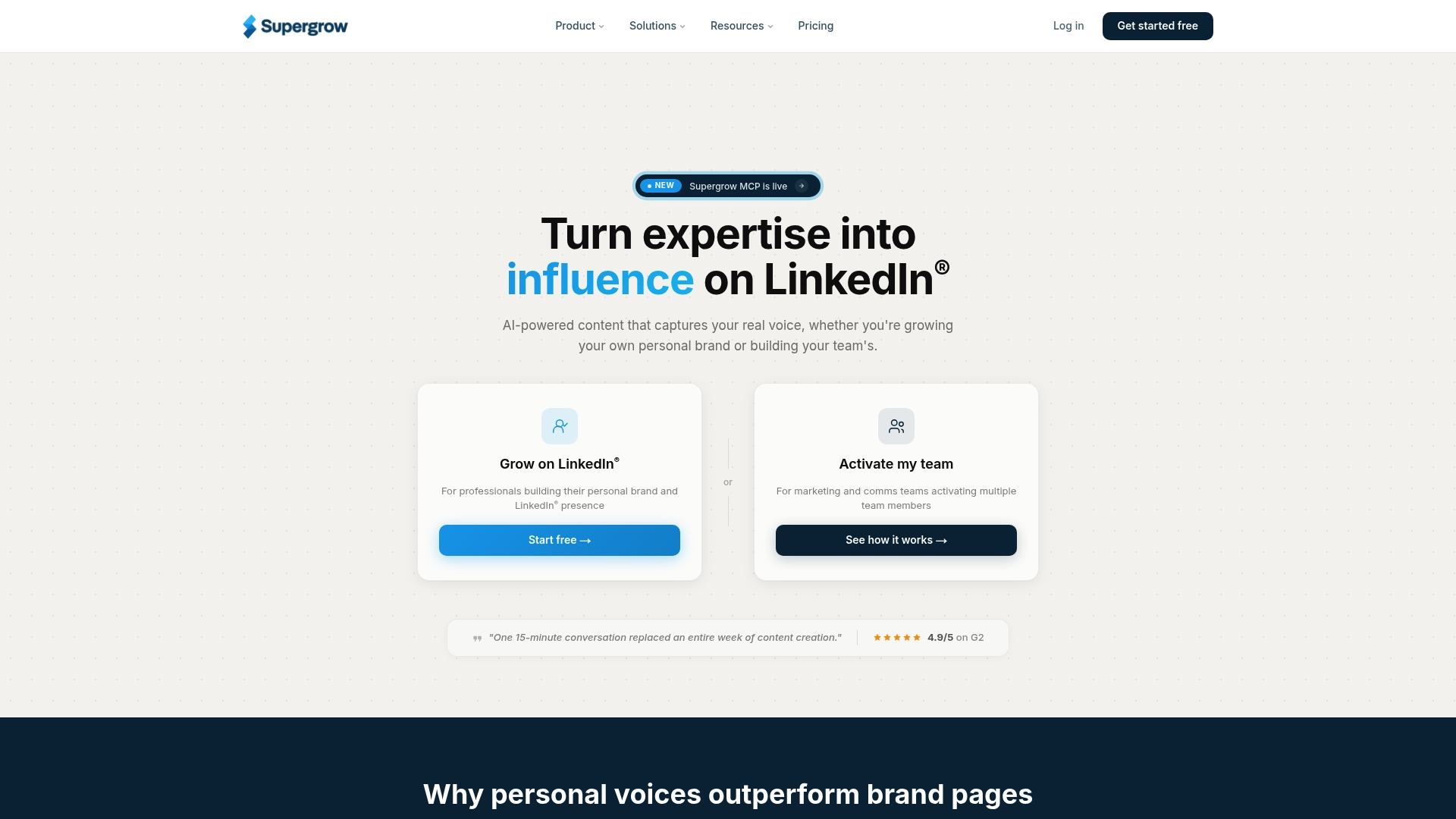
Supergrow reports being trusted by over 1,200 professionals worldwide. It pairs AI interviews with profile-driven content modeling to help individuals and teams publish consistent LinkedIn posts. The platform targets personal brands, employee advocacy programs, and agencies managing multiple client accounts.
Core Features
Supergrow combines Content DNA profiling with AI interviews and repurposing tools so you can extract ideas from conversations, videos, and documents. The dashboard includes scheduling with a calendar and queue, approval workflows for teams, and analytics that track visibility and engagement. Its MCP workflow lets teams run processes through Claude or ChatGPT to automate content generation and review.
Key Differentiator
The platform uses Content DNA profiles to produce posts that mirror an author’s voice. That profiling focuses on phrasing, preferred topics, and cadence rather than generic templates. For teams, the voice model reduces rework when scaling employee advocacy or agency content production.
Pros
Supergrow makes it easier to keep a consistent voice across multiple contributors while retaining authenticity. It centralizes scheduling, approvals, and team management so a single coordinator can publish for many accounts. The analytics provide visibility into which posts drive reach and pipeline, and the AI interviews help surface ideas from subject matter experts with minimal editing. That figure about user adoption supports its focus on teams and agencies.
Cons
Some AI-generated posts require editing to reach perfect authenticity. This adds an editorial step for high-stakes accounts.
New users can find the feature set dense. Without training, setup and workflow configuration take time.
Advanced team features favor larger organizations. Smaller teams may not need the full suite and could pay for unused capabilities.
When It May Not Fit
If you need posts that require zero editing at publish time, Supergrow may demand extra copywork. Small solo creators who want a minimal tool may find the onboarding overhead excessive. Organizations that do not use LinkedIn heavily will not get full value from the scheduling and analytics modules.
Notable Integrations
Supergrow connects to the LinkedIn official API, and supports Claude and ChatGPT for AI workflows. These integrations let you publish directly, run model-driven interviews, and plug into external LLMs for custom prompt chains.
Who It’s For
Content creators, marketing teams, and agencies building personal brands or employee advocacy programs on LinkedIn will benefit most. The product fits people who need centralized approval, voice consistency across contributors, and measurable post analytics.
Real World Use Case
A marketing agency uses Supergrow to generate and schedule LinkedIn posts for several clients. The team trains each client on a Content DNA profile, runs AI interviews to pull expert insights, and adjusts cadence using the analytics dashboard.
Pricing
Plans start at $19/month for individuals and $39/month for Pro. Team and agency options require custom pricing. All plans include a 7-day free trial.
Website: https://supergrow.ai
Nivyasa AI Automation Suite
At a Glance
Nivyasa learns your writing voice and uses that model to auto-schedule LinkedIn posts at times the platform identifies as high engagement. The product also offers a WhatsApp review and approval workflow for quick signoff. This combination targets busy founders, recruiters, and agencies needing consistent public posting without daily effort.
Core Features
The suite generates AI-personalized LinkedIn posts and lets you customize style and tone across content batches. It includes post planning, scheduling, and auto-publishing at optimized times while suggesting trending hashtags. The platform also provides a global outreach engine co-creation feature and premium AI avatars for scalable engagement.
Key Differentiator
Nivyasa focuses on mimicking your own voice so posts read like you wrote them. That voice model feeds scheduling decisions to make posts publish when the platform predicts higher engagement. The result is automation that preserves individual tone while handling cadence and distribution.
Pros
Automates regular posting so you can maintain a visible profile without daily drafting. The voice-learning element helps content stay authentic while the scheduling engine chooses times aimed at better reach. Multi-industry support and outreach features make it easier to run targeted campaigns from one place. The WhatsApp review flow speeds approvals for teams that prefer messaging over email.
Cons
- Limited public detail about third-party integrations. This could cause friction if you rely on specific HR or CRM tools.
- Some advanced features, like the outreach engine co-creation, have a learning curve and may need setup time before returning value.
- The platform appears geared toward small and medium teams, so larger enterprises may need additional customization or feature support.
When It May Not Fit
If your workflow depends on deep integrations with a specific CRM, this product may fall short. Enterprises that require extensive admin controls or single sign-on may find the feature set narrow. Teams seeking turnkey enterprise reporting should verify capabilities before committing.
Who It’s For
Busy founders, independent recruiters, and small marketing agencies aiming to keep LinkedIn active with minimal hands-on time. Professionals who value a consistent personal voice and scheduled publishing fit well. Teams that approve content via messaging will find the WhatsApp flow particularly useful.
Real World Use Case
A small business owner uses Nivyasa to write and schedule weekly thought leadership posts. The owner reviews drafts on WhatsApp and approves them in minutes. Automated outreach messages then roll out to select prospect lists to initiate conversations.
Pricing
Pricing is not publicly listed on the vendor site. The company appears to use a subscription model, but tiering and seat limits are not disclosed. Prospective buyers should contact sales for current plans and volume discounts.
Website: https://nivyasa.ai
MagicPost
At a Glance
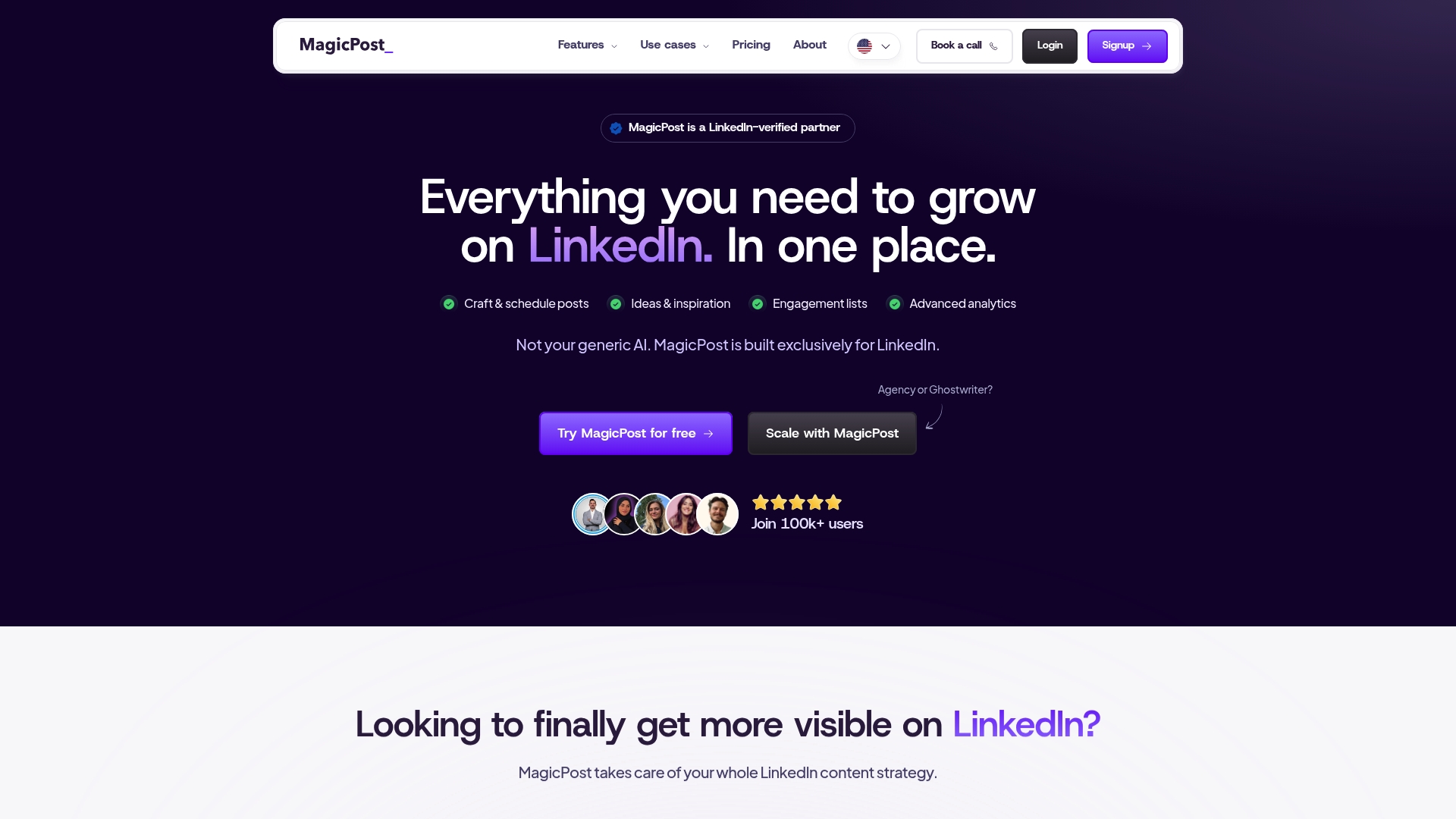
MagicPost reports it can save users up to 4 hours weekly by automating LinkedIn publishing and idea generation. The platform is LinkedIn verified and emphasizes API-based posting to reduce account risk. It targets individuals, teams, and agencies that need multi-account coordination and LinkedIn-specific analytics.
Core Features
MagicPost bundles post creation and scheduling with idea generation and engagement list management to keep LinkedIn activity consistent. The platform includes advanced analytics that break down post performance and audience signals. Team-focused features let agencies manage multiple accounts from a single dashboard.
Key Differentiator
MagicPost focuses solely on LinkedIn and claims full integration with the official LinkedIn API for safer automation. That focus drives feature choices such as engagement list workflows and analytics tuned to LinkedIn signals. The narrow specialization separates it from general social schedulers.
Pros
The product centers on LinkedIn workflows and therefore aligns feature names and metrics with platform behaviors. MagicPost uses API-based posting, which reduces the kinds of account risk linked to credential scraping. The vendor advertises positive user ratings, and that claim appears in testimonials and case examples. Team and agency controls for multi-account management make it practical for client work where separate editorial voices are required.
Cons
- Some users report a learning curve when adopting the interface and workflows.
- Free trial limits restrict access to advanced tools, requiring a paid plan for full capabilities.
- AI-generated drafts often need manual edits to fully match an individual’s brand voice.
- A few advanced features are marked as soon as available, indicating they are not live yet.
When It May Not Fit
Buyers who need broad cross-platform posting will find the LinkedIn focus narrow. Organizations that cannot tolerate API rate limits should evaluate how LinkedIn constraints affect scheduling volume. Small users who want full functionality for free will likely outgrow the trial quickly.
Notable Integrations
- LinkedIn API for official posting and data access.
Who It’s For
MagicPost fits LinkedIn content marketers, social media managers, and agencies that prioritize LinkedIn growth. It suits teams that need client separation and shared editorial workflows. Solo creators who want LinkedIn-tuned analytics will also find value.
Real World Use Case
A digital marketing agency uses MagicPost to run over 20 client profiles from one account and to schedule tailored posts per client. The team sorts engagement lists to identify priority comments and replies. Analytics then guide which post formats the agency repeats across client accounts.
Pricing
Monthly plans start at $21 for analytics only and $39 for the Creator package, with custom plans for teams and agencies. Annual billing is available and offers discounted pricing for commitments.
Website: https://magicpost.in
Comparison of alternatives
LinkedIn content automation platforms offer diverse strategies for tailoring posts to unique workflows, including authentic content generation or scalable management tools. Comparing Resonate, Buzzli, Supergrow, Nivyasa AI Automation Suite, and MagicPost addresses the spectrum of options to meet varying user needs.
Authenticity versus automation features
Resonate.ai prioritizes personalized post-generation by analyzing work-related data and activities. This enables the platform to replicate an authentic user voice based on operational contributions. While Buzzli’s autonomous agents prioritize full-cycle automation by reducing manual entry, these can lead to less personalized content requiring additional adjustment for context accuracy.
Scalability and centralized management
MagicPost promises effective multi-account support through centralized tools designed for agencies managing diverse LinkedIn profiles. Supergrow also capitalizes on shared systems through its Content DNA features, providing authenticity templates for group-wide use. While not as automated as others, both platforms address scalability effectively for multiple account roles.
Best fit
- Regular LinkedIn creators requiring authentic engagement benefit from Resonate’s approach of basing content on actual work activities for organic visibility.
- Teams prioritizing simplicity and automated scheduling will appreciate Buzzli’s autonomous capabilities that minimize manual entry efforts.
- Agencies needing centralized multi-account management can consider MagicPost for its tailored group tools designed for streamlined client support.
Our pick
Resonate.ai impresses through its deep integration with work tools that extract personal activity data to generate content highly reflective of the creator’s voice and operational characteristics. Ideal for users who emphasize authenticity combined with automation, Resonate redefines tailored content for LinkedIn-focused professionals while maintaining compliance.
Discovering the best LinkedIn automation tool for creators depends on factors like personalized content generation, platform integrations, user-centered design, and pricing.
| Product | Key Features | Best For | Pricing | Limitation |
|---|---|---|---|---|
| Resonate | Voice-trained content generation, LinkedIn-safe API | Active LinkedIn creators publishing frequently | Starter: $99/mo; Growth: $199/mo; Team: from $1,999/mo | Initial setup time for tool calibration |
| Buzzli | AI agents for content and scheduling, free tier | Professionals seeking initial platform growth | $12.50/month for Pro plan | Limited customization of generated content |
| Supergrow | Content DNA profiles, AI-driven interviews | Agencies scaling LinkedIn advocacy | $19/month individual plans | Editorial overhead for post authenticity |
| Nivyasa | WhatsApp approval workflow, voice mimicry | Founders minimizing manual LinkedIn maintenance | Price not published | Limited details on integrations |
| MagicPost | LinkedIn-verified posting, tailored performance analytics | Agencies managing multi-account schedules | $21/month analytics package | Specialized focus on LinkedIn only |
Which Evyai Alternative Best Fits Your LinkedIn Content Needs?
Choosing the right tool to create personalized LinkedIn posts can be challenging. Many LinkedIn content creators, founders, and agencies face long setup times, generic content, or unsafe automation that risks account bans. Resonate solves these problems by learning your unique writing style from your actual work data across Notion, Slack, GitHub, and HubSpot.
Resonate generates authentic, voice-calibrated posts, predicts engagement, and schedules publication safely using official APIs with configurable guardrails. This avoids common issues seen with other Evyai alternatives. Plus, it offers community boosts that amplify post reach early and AI critique to sharpen your content over time.
Explore Resonate to see how it can support your LinkedIn strategy. Stop spending hours on manual drafting and start publishing personalized posts that reflect your real work and voice with Resonate’s integrated platform.
Learn more about Resonate and start optimizing your LinkedIn content workflow today.
FAQ
How does Resonate generate content that matches my voice?
Resonate learns your writing patterns from connected tools to draft posts in your unique style. It connects to platforms like Notion, Slack, and GitHub to pull real work examples and tailor its output accordingly. Users can expect authentic posts that require minimal editing before publishing.
What is the difference between Resonate and Buzzli?
Buzzli excels in automating routine content tasks and profile checks, saving users hours of manual work each week. Resonate focuses on generating posts that reflect your real work while maintaining a consistent voice through personalized training. Depending on your needs, Buzzli might be better for those seeking broad automation across many posts.
Which platform offers engagement prediction?
Resonate includes a feature that predicts engagement based on your past activity and suggests optimal posting times. This capability helps creators maximize reach when they publish their posts on LinkedIn. Users can leverage this feature to time their posts effectively based on historical engagement data.
Can I use Resonate if I have multiple accounts on different platforms?
Resonate primarily supports LinkedIn but is designed to integrate with multiple platforms like Notion and Slack. While it focuses on LinkedIn content automation, its ability to pull from various tools means users with multiple accounts can still find valuable insights and reduce manual drafting in their workflows.
How does Resonate ensure my posts comply with LinkedIn policies?
Resonate utilizes official APIs to publish content safely, which reduces the risk of account restrictions. The platform is designed with safety measures and configurable guardrails to keep automation compliant with LinkedIn’s rules, helping users manage their accounts securely.
Recommended
- Resonate vs Evyai: Real Content vs AI Comment Automation in 2026
- Resonate vs EasyGen: Is EasyGen Worth It in 2026?
- Resonate vs Supergrow: Honest LinkedIn Tool Comparison for 2026
- Resonate vs Aware (Inlytics): Analytics Silo vs Full LinkedIn Workflow in 2026
See how Resonate's LinkedIn content generator handles this end to end - from voice training on your real writing to ban-safe scheduling via the official LinkedIn API.

Content Writer @ Resonate
Charlotte explores LinkedIn content, personal branding, AI writing, and founder-led marketing at Resonate. She believes the best content comes from real experience, not generic advice, and writes practical insights to help founders turn what they already know into content that people want to read.
Write LinkedIn content that sounds like you
with Resonate's AI Voice Engine