LinkedIn Carousels vs Text Posts in 2026: Which Gets Read?
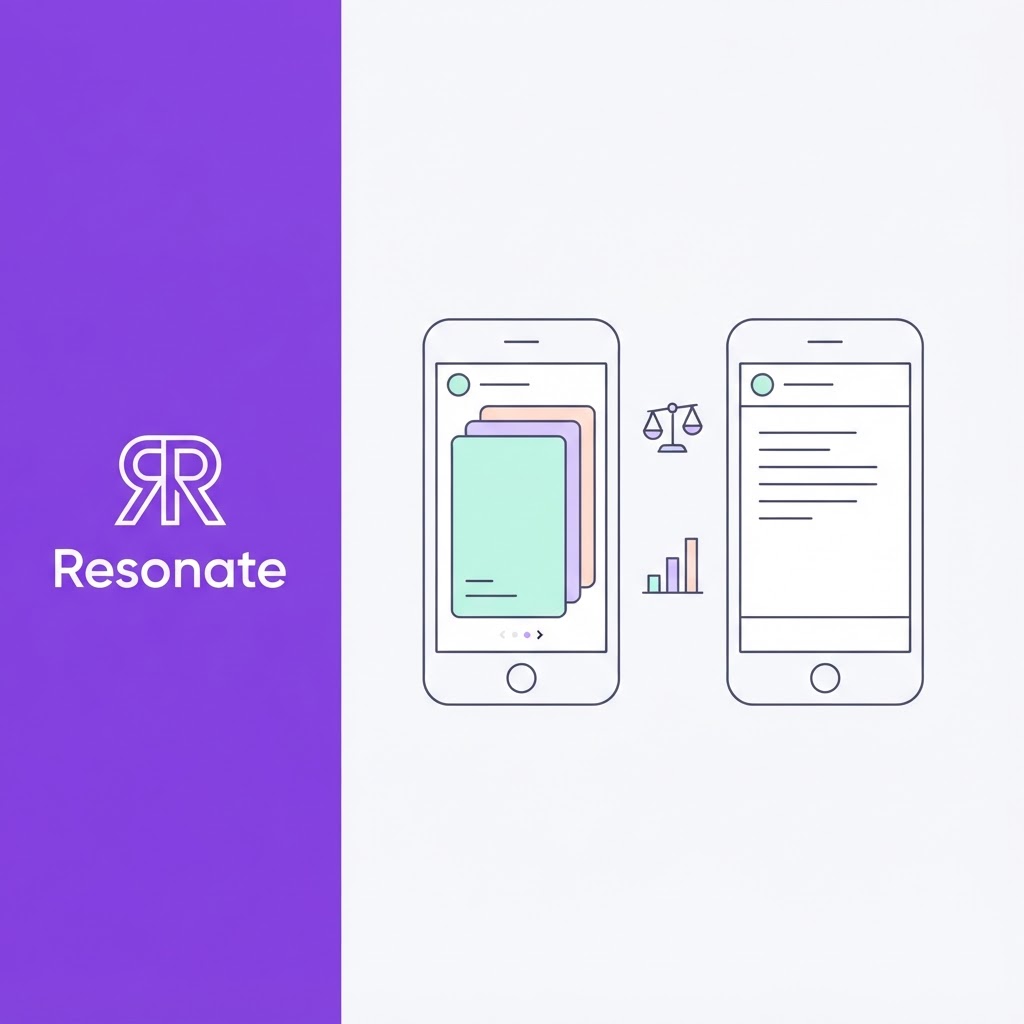
Scroll through LinkedIn for five minutes and you’ll see both: swipeable carousels with bold slides, and plain text posts with nothing but well-chosen words. Both can do well. Both can flop.
So which one should you make? This guide compares LinkedIn carousel vs text post performance using 2025-2026 data. It looks at whether carousels still work, which format actually gets read, and how to choose the best LinkedIn post format for each idea, without spending three hours designing slides for a post that would have worked as text.
The short answer: In 2025-2026 data, LinkedIn carousels (PDF document posts) earn higher engagement rates than text posts. Socialinsider’s 2026 benchmarks put document posts at 7.0% average engagement in 2025, compared with 4.5% for text. But carousels take much longer to make, and the data comes mostly from company pages. For most founders, the best approach is text posts as your default, plus carousels for ideas that need structure, such as frameworks, step-by-step guides, and data.
What are the key takeaways?
- Carousels still work: Document posts had the highest engagement rate of any format in Socialinsider’s 2025 and Q3 2026 data.
- Text posts are cheaper to make: A text post takes minutes. A good carousel can take hours.
- Engagement isn’t the same as being read: A carousel needs a swipe, while a text post can be read in full right in the feed.
- Match the format to the idea: Stories and opinions suit text. Frameworks, steps, and data suit carousels.
- Most of the data is from company pages: Test both formats on your own profile.
What is a LinkedIn carousel (document post)?
On LinkedIn, a “carousel” usually means a document post: a PDF uploaded to a post that readers swipe through slide by slide. Socialinsider describes native documents as a PDF uploaded directly on LinkedIn that works like a carousel.
A text post is a written post with no image, video, or document attached. It’s the simplest format on LinkedIn.
| Text post | Carousel (document post) | |
|---|---|---|
| What it is | Words only | A PDF of slides people swipe through |
| Where it’s read | In the feed, after “see more” | Inside the document viewer, slide by slide |
| Time to create | Minutes | 1-3 hours for a polished one* |
| Best for | Stories, opinions, lessons | Frameworks, steps, data, checklists |
Time estimate based on typical design workflows. It varies with tools and templates.
LinkedIn carousel vs text post: what does the data show?
Socialinsider's 2026 LinkedIn benchmarks
Socialinsider analysed about 2.45 million organic LinkedIn posts from company pages. Engagement rate here means reactions, comments, and shares divided by impressions:
| Format | 2024 | 2025 | Q3 2026 |
|---|---|---|---|
| Document (carousel) | 6.10% | 7.00% | 6.40% |
| Multi-image | 6.60% | 6.45% | 6.40% |
| Video | 5.60% | 6.00% | 5.25% |
| Image | 4.85% | 5.30% | 4.70% |
| Text | 4.00% | 4.50% | 3.50% |
| Poll | 4.40% | 4.20% | 3.60% |
| Link | 3.30% | 3.25% | 2.50% |
Source: Socialinsider, LinkedIn Organic Benchmarks
What stands out:
- Carousels lead every period. Document posts had the highest engagement rate in 2024 (tied closely with multi-image), 2025 and Q3 2026.
- The gap has grown. In 2025, carousels averaged about 1.6 times the engagement rate of text posts. In Q3 2026, it was about 1.8 times.
- Every format declined in 2026. Engagement rates fell across the board in Q3 2026, but text fell further than carousels.
Buffer’s format comparison
Buffer’s August 2025 LinkedIn analysis reported the same pattern, with an even bigger gap. It found that carousels earned nearly 600% more engagement than text posts, along with 303% more than images and 278% more than video. Text posts had the lowest median engagement of any format.
Buffer doesn’t say exactly which metric those figures use, so treat them as directional. Buffer’s own conclusion: “quality matters more than format.”
One founder-style test
In a one-week Buffer experiment, a Buffer writer posted a carousel every day on her personal profile. Her carousel week earned more impressions and engagements than her previous week of mostly text posts. It’s only one account over two weeks, but it’s a useful example of what can happen on a personal profile.
What doesn’t the data tell you?
- It’s mostly company pages. Socialinsider’s data covers brand pages only. Personal profiles may behave differently.
- Engagement rate isn’t readership. These numbers measure reactions, comments and shares, not how many people read every slide or every line.
- It doesn’t count effort. A format with higher engagement but five times the production time may not be the better choice for you.
- It’s correlation. Teams that make carousels may also invest more in content generally.
Do LinkedIn carousels still work in 2026?
Yes, Based on Socialinsider’s Q3 2026 data, document posts still have the highest average engagement rate of any LinkedIn format, at 6.4%. Engagement is down across every format compared with 2025, so carousels haven’t stopped working. The whole feed has become more competitive.
What has changed is the quality bar. As more people post carousels, generic ones (“10 tips for productivity” in a template everyone recognises) stand out less. Carousels still win when they teach something specific and useful.
Which format actually gets read?
Engagement data tells you what people react to. It doesn’t tell you what they read. Here’s how reading works for each format:
Text posts:
- The first two or three lines show in the feed. Readers click “see more” to read the rest.
- Once they’re in, the whole post is on one screen, with no extra taps.
- A strong hook and short paragraphs keep people reading to the end.
Carousels:
- The cover slide works like a hook. If it doesn’t make people swipe, the rest isn’t seen.
- Each slide is a new decision point. People drop off as the deck gets longer.
- Well-designed slides are easy to skim, so readers can get the main idea quickly.
In practice:
- A story or opinion is more likely to be read in full as text. Splitting it across slides adds friction.
- A framework, process, or list is often easier to follow as a carousel, because each slide holds one step.
Carousel or text? How do you choose for each post?
| Your idea | Best format | Why |
|---|---|---|
| A personal story or lesson | Text | Stories flow naturally, and slides interrupt them |
| A strong opinion or contrarian take | Text | The voice carries the post |
| A quick update or win | Text | Not worth the design time |
| A step-by-step process | Carousel | One step per slide is easy to follow |
| A framework or model | Carousel | Visual structure helps it stick |
| Data, charts or comparisons | Carousel | Numbers are clearer on slides |
| A checklist or cheat sheet | Carousel | People save these to come back to |
| A how-to with 3 steps or fewer | Text | Short enough to work in the feed |
A simple rule: If you’d explain the idea on a whiteboard, make a carousel. If you’d explain it over coffee, write a text post.
What is the best LinkedIn post format for each goal?
Based on Socialinsider's 2025-2026 benchmarks:
| Goal | Best format(s) | Notes |
|---|---|---|
| Highest engagement rate | Documents (carousels), multi-image | Top two formats in every period |
| Conversation and opinions | Text | Lower engagement rate, but quick to make and strong for your voice |
| Reach for larger pages | Polls | Socialinsider found polls drive the most impressions for pages over 50K followers |
| Driving traffic off LinkedIn | Link posts | The lowest engagement rate of any format, so use them sparingly |
| Showing personality | Video, image | Video engagement was down in Q3 2026 |
There’s no single best LinkedIn post format. The best mix uses each format for the job it does well.
How do you make a LinkedIn document post that gets read?
- Treat the cover slide as your hook: One bold claim or a clear promise (“The 5-step onboarding process that cut churn by half”).
- Keep one idea per slide: If a slide needs a paragraph, split it.
- Design for phones: Use large text, high contrast, and a portrait or square layout.
- Keep it tight: Cut any slide that doesn’t move the idea forward.
- Use your own examples: Real numbers and stories beat generic tips.
- Finish with a clear closing slide: A summary, a takeaway, or a question to answer in the comments.
- Write a real caption: The text above the carousel still matters. Give people a reason to open it.
- Upload it as a PDF: Export the slides from your design tool as a PDF, start a new post on LinkedIn, add it as a document, and give it a title.
How do you write a text post that gets read?
Text posts are the format most founders should use most often. To make them work:
- Open with a specific, surprising first line.
- Keep paragraphs to one to three lines.
- Make one clear point.
- End with a takeaway or a specific question.
For the full process, see our LinkedIn post writing guide.
How can you turn one idea into both formats?
You don’t have to choose once and for all. Your best ideas can become both:
- Publish it as a text post first: It’s quick to write and tests whether the idea lands.
- Check the response: Did it get comments, saves, or DMs?
- Turn the winners into carousels: Split the post’s main points into slides, one per slide, and post it a few weeks later.
An AI LinkedIn post generator like Resonate can speed up step 1 by drafting the text post from your real work in your voice, so you only spend design time on ideas you already know resonate.
How do you run your own carousel vs text test?
General data is a starting point. Here’s how to find out what works on your own profile:
- For 4 weeks, post one carousel and two text posts each week.
- Keep topics comparable so you’re testing the format, not the idea.
- Track per post:
- Impressions
- Comments (especially from your target audience)
- Saves and shares
- Profile views and DMs
- Time spent creating the post
- Compare results per hour of effort, not just per post.
- Adjust your mix. If carousels win clearly, post them more often. If text performs close to carousels, the time savings make text the better default.
For how often to post overall, see how often you should post on LinkedIn.
How can you spend your time on ideas, not formatting?
Whether your next post is text or a carousel, it starts with a good idea and a strong draft. Resonate works as a LinkedIn post creator that turns your real work into drafts in your voice, so you can spend your time on the posts worth turning into carousels.
Frequently asked questions
Which is better on LinkedIn: carousel or text post?
Carousels (PDF document posts) get higher average engagement rates than text posts. In Socialinsider’s 2025 benchmarks, they averaged 7.0% vs 4.5%. Text posts are much faster to make and work best for stories and opinions. Most people get the best results from a mix of both.
Do LinkedIn carousels still work in 2026?
Yes. In Socialinsider’s Q3 2026 data, document posts still had the highest engagement rate of any LinkedIn format, at 6.4%. Engagement dropped across all formats compared with 2025, but carousels stayed on top.
What are LinkedIn document posts?
LinkedIn document posts are posts with a PDF attached that readers swipe through slide by slide in the feed. They’re what most people mean by “LinkedIn carousels”.
What is the best LinkedIn post format?
There isn’t one best format for every goal. Document posts and multi-image posts lead on engagement rate. Text posts are best for stories and opinions. Polls can drive impressions for larger pages, and link posts usually get the lowest engagement.
How many slides should a LinkedIn carousel have?
Use as many slides as the idea needs and no more. Every slide should move the idea forward, because readers can drop off at each swipe. Cut anything that repeats or pads the content.
Are text posts dead on LinkedIn?
No. Text posts have lower average engagement rates than carousels, but they’re the fastest format to create and are well suited to stories, lessons and opinions, which are the posts that build a personal voice.

Content Writer @ Resonate
Charlotte explores LinkedIn content, personal branding, AI writing, and founder-led marketing at Resonate. She believes the best content comes from real experience, not generic advice, and writes practical insights to help founders turn what they already know into content that people want to read.
Write LinkedIn content that sounds like you
with Resonate's AI Voice Engine