Top 4 Postwise Alternative Tools 2026
Top 4 Postwise Alternative Tools 2026

Juggling voice consistency, scheduling, and outreach on LinkedIn with basic automation tools creates missed engagement and inefficient workflows. Most competing platforms force creators, sales teams, and agencies to alternate tools for ideation, brand alignment, and programmatic workflow setup. This comparison covers feature depth, brand voice support, and workflow automation across four Postwise alternatives so creators, agencies, and sales teams can match one to their LinkedIn goals.
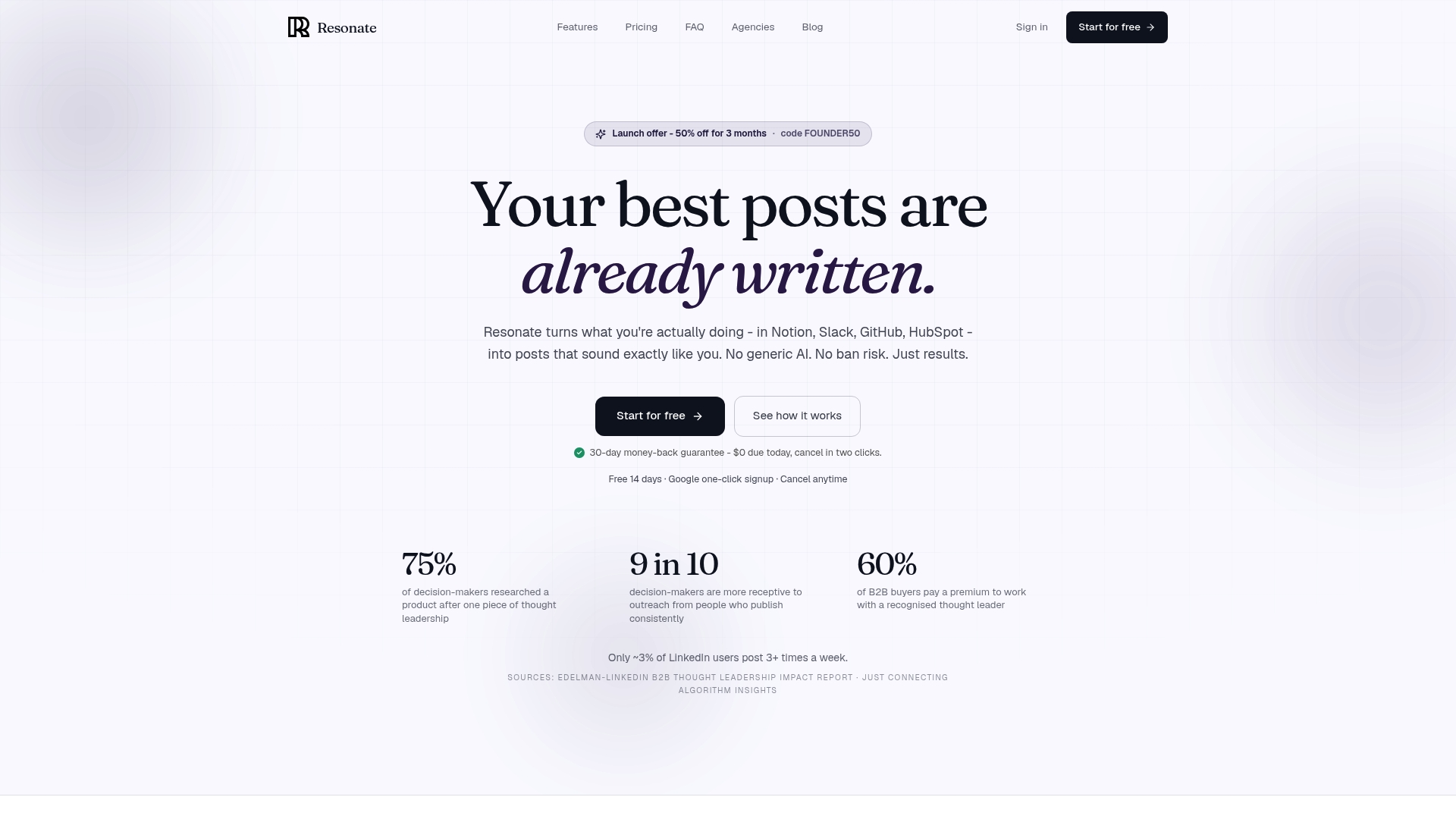
Resonate
At a Glance
Trains on your actual writing history and pulls post ideas directly from Notion, Slack, GitHub, and HubSpot. It pairs those signals with engagement prediction and scheduled publishing so posts go out when they are likely to perform. The platform also includes guardrails for outreach automation to reduce account risk.
Core Features
Resonate uses voice calibration to generate drafts that match your writing style and reduce generic AI tone. It extracts ideas from connected work tools and applies pre-publish scoring via specialized critique agents named Hook, Voice, and Virality. The platform adds scheduling, predicted optimal timing, engagement analytics that learn over time, and MCP API access for custom multi-client workflows.
Key Differentiator
Resonate combines voice-calibrated drafting with automatic idea extraction from your actual work and an AI scoring layer before posting. That mix lets teams prepare and validate posts without switching between ideation, drafting, and analytics tools. The inclusion of ban-safe outreach automation keeps multi-account outreach within configurable limits.
Pros
Generating posts from your real work reduces time spent inventing topics and cuts down on one-size-fits-all AI output. Predictive scoring and scheduled posting help you choose when to publish and which drafts deserve a push. Built-in safety guardrails for outreach let sales teams automate follow-ups while limiting actions that trigger platform sanctions. Deep integrations and MCP API support make it practical for agencies managing multiple client accounts.
Cons
- Relies heavily on connected integrations being properly set up and maintained.
Notable Integrations
- Notion
- Slack
- Google Drive
- Gmail
- Google Sheets
- Google Docs
- Google Slides
Who It’s For
Founders and solo marketers who want posts that reflect their personal voice rather than generic AI text. Sales teams and account managers who need ban-safe outreach tied to content. Agencies that manage several LinkedIn accounts and require voice calibration, scheduling, and centralized reporting.
Unique Value Proposition
Community boosts that amplify a post’s reach immediately after publication let teams get early engagement momentum without extra manual outreach. That capability, combined with voice training on your documents and messages, reduces the number of manual edits designers or copywriters must perform. Agencies can therefore scale client output faster while keeping each account distinct.
Real World Use Case
A founder connects Resonate to their CRM, Slack, and Notion and trains the voice model on past messages and documents. Daily, Resonate surfaces post ideas from recent product notes and customer feedback and scores drafts for likely engagement. The founder schedules top-scoring posts, triggers a community boost at publish time, and runs safe outreach sequences for new leads.
Pricing
Plans include: Starter ($99/mo), Growth ($199/mo for 3 people), Done-for-you ($999/mo), Team (from $1,999/mo), and Agency ($299/mo + $99 per active client).
Website: https://www.getresonate.ai
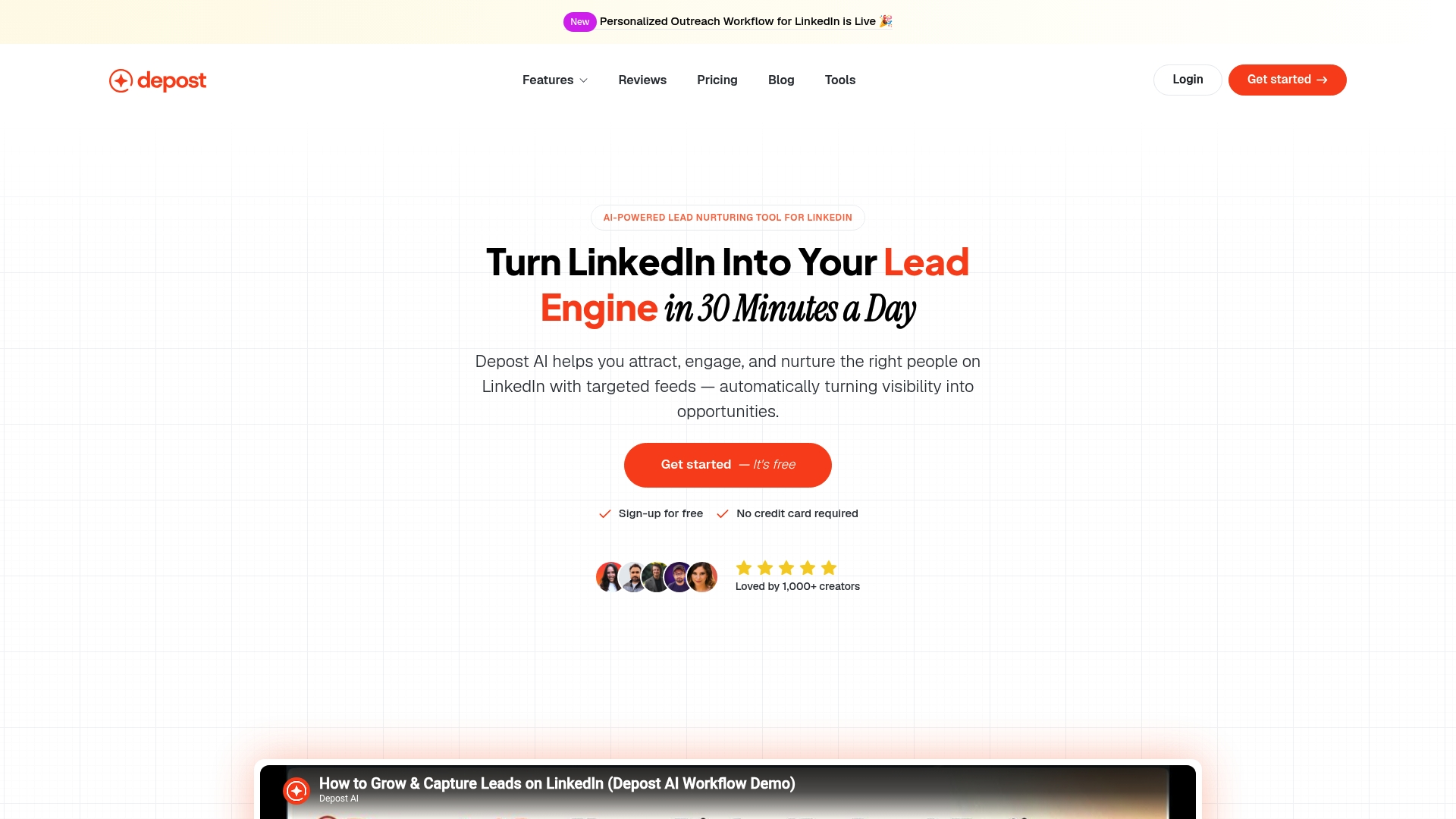
Depost AI
At a Glance
Engage drafts replies and outreach sequences for comments and direct messages on LinkedIn. Post Generator and Content Repurpose speed content creation while Brand Voice customizes tone to match a professional author. Bookmarks and scheduling keep a content queue organized and make repeat posting simpler.
Core Features
Depost AI combines a Post Generator with Content Repurpose tools to turn existing posts into fresh variations. The Brand Voice setting trains output toward a consistent tone and saves templates for later use. Engage handles comment replies and DMs while Bookmarks and scheduling organize ideas and publishing cadence.
Key Differentiator
Depost AI focuses only on LinkedIn workflows, matching post style and reply rhythm to that network. That approach aims to make automated engagement read like a real conversation rather than a generic bot. This narrower focus suits teams concentrating their outreach and content on LinkedIn.
Pros
Depost AI speeds posting by producing drafts and repurposed variants so you publish more often with less drafting time. Brand Voice personalization helps maintain a consistent professional persona while Engage automates routine replies and outreach sequences. Scheduling and bookmarks support repeatable processes across profiles and campaigns, which helps teams keep a steady presence.
Cons
Third party reports say AI generated comments and replies often need manual edits to sound authentic.
Public materials do not include detailed security or privacy policies for enterprise compliance reviewers.
Fair use limits are implied which may restrict high volume outreach for agencies managing many accounts.
When It May Not Fit
If your compliance process demands formal audit evidence or detailed security controls Depost AI may not meet those needs. Teams that require fully human only engagement will find the AI generated replies need review before sending. High volume agencies should check usage thresholds because limits tied to tiers could throttle outreach at scale.
Who It’s For
Content creators and sales reps who publish frequently on LinkedIn will get the most immediate value. Marketing teams wanting repeatable outreach sequences and agencies managing client content can use its scheduling and bookmarks. People that insist on fully handcrafted replies without any AI assistance are not the ideal match.
Real World Use Case
A sales team programs Engage to comment on prospects posts with tailored replies and to follow up via DMs automatically. Scheduling and Content Repurpose keep a steady stream of variations ready so the team stays visible without drafting each post. The result is steadier visibility and more qualified responses than sporadic manual outreach.
Pricing
Tier 2 costs $39/month billed monthly or $349/year billed annually. Premium options and future features appear on the roadmap for higher tiers. Annual billing reduces monthly cost compared with paying month to month for the same tier.
Website: https://depost.ai
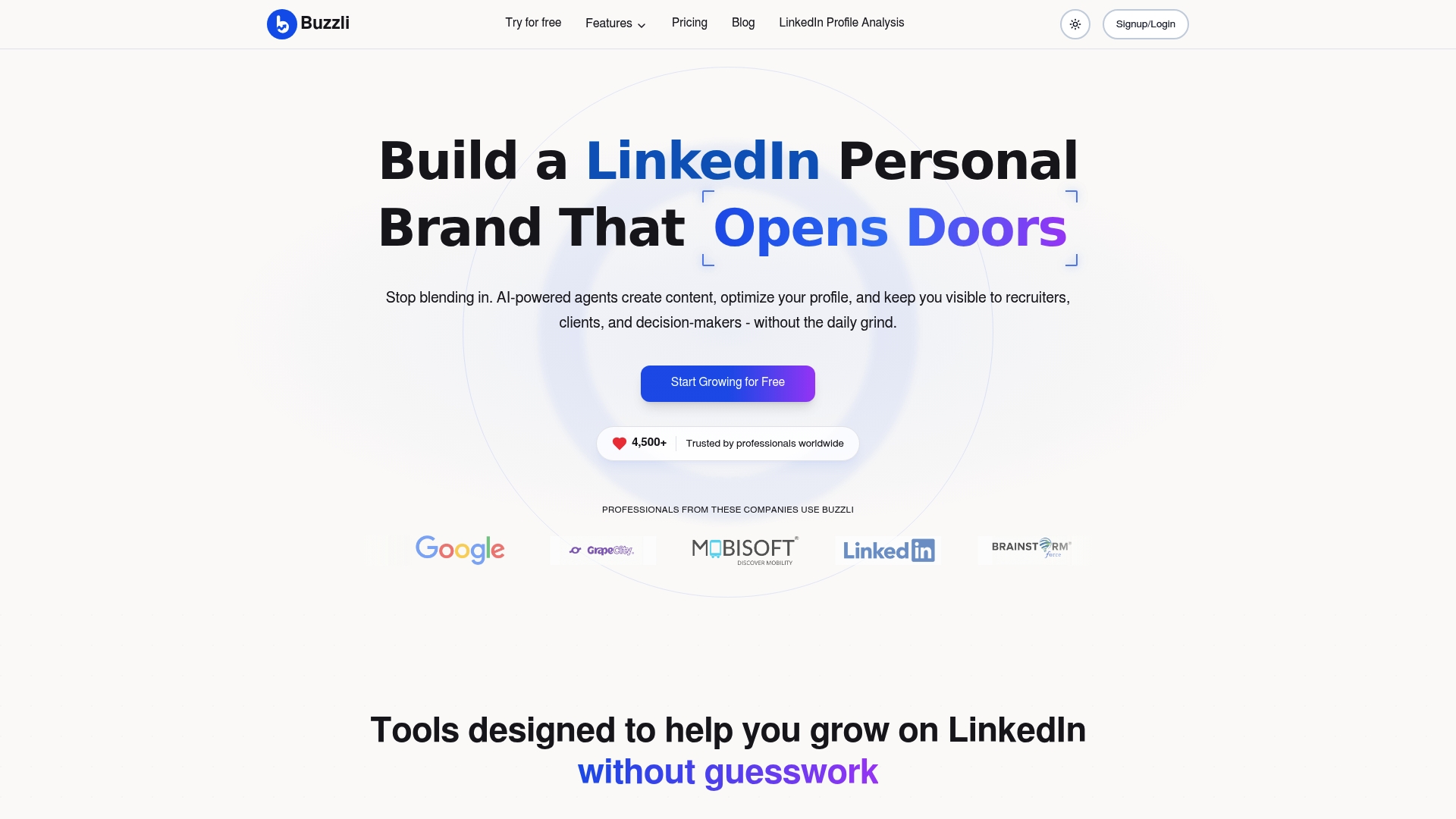
Buzzli
At a Glance
Buzzli offers a Personal Branding Agent with a one time setup fee of $299 and a $99 monthly fee for managed support. The platform targets LinkedIn growth with tools to create posts, carousels, and images automatically. That packaging makes hands off posting and profile tuning a clear focus for creators and founders.
Core Features
Buzzli pairs content generation with profile optimization and trend discovery, so you get post drafts and profile suggestions in the same workflow. The platform runs AI agents that research topic signals, draft posts, and schedule them for LinkedIn publishing. It also produces carousel creation tools and personalized content plans to feed consistent activity.
Key Differentiator
The standout is its use of AI agents that research, write, and schedule posts automatically while adapting to a niche and voice. Those agents work across research, draft creation, and scheduling rather than only suggesting prompts. That end to end agent model reduces manual handoffs for content preparation.
Pros
Automates the full content lifecycle from idea discovery to scheduled posting, which saves time when you need consistent output. The platform includes profile analysis to make your LinkedIn profile easier to find and more relevant to recruiters. Personalized content plans and prompts help writers maintain a coherent voice across posts and carousels.
Cons
- Some third party reviews note limited customization and shallow AI analysis for complex topics.
- The pricing and credits system can feel complex for teams producing frequent content.
- Results depend on user input and strategy, so posts may require human editing before publishing.
When It May Not Fit
Advanced social teams that need deep customization or fine grained editorial controls may find the system limiting. Heavy volume creators could hit credit limits from the pricing model. Organizations wanting guaranteed human review on every post should plan for additional editorial resources.
Who It’s For
Professionals, founders, and recruiters who want a compact toolset to grow a LinkedIn presence with minimal daily effort will fit Buzzli. Solo creators who value automated research and draft scheduling benefit most. Small teams with lighter editorial needs can use it to scale consistent posting.
Real World Use Case
A startup founder uses Buzzli to publish two industry insight posts weekly and a monthly carousel. The AI agents gather topic signals, draft the posts, and slot them into a posting calendar. The founder edits tone lightly and then publishes without rebuilding each post from scratch.
Pricing
Buzzli offers a Free tier and paid plans named Pro at ₹667 and Premium at ₹1250. There is a Personal Branding Agent option that carries a one time $299 setup plus $99 per month for managed agent services. The pricing structure mixes monthly fees and one time setup for higher touch offerings.
Website: https://buzzli.io
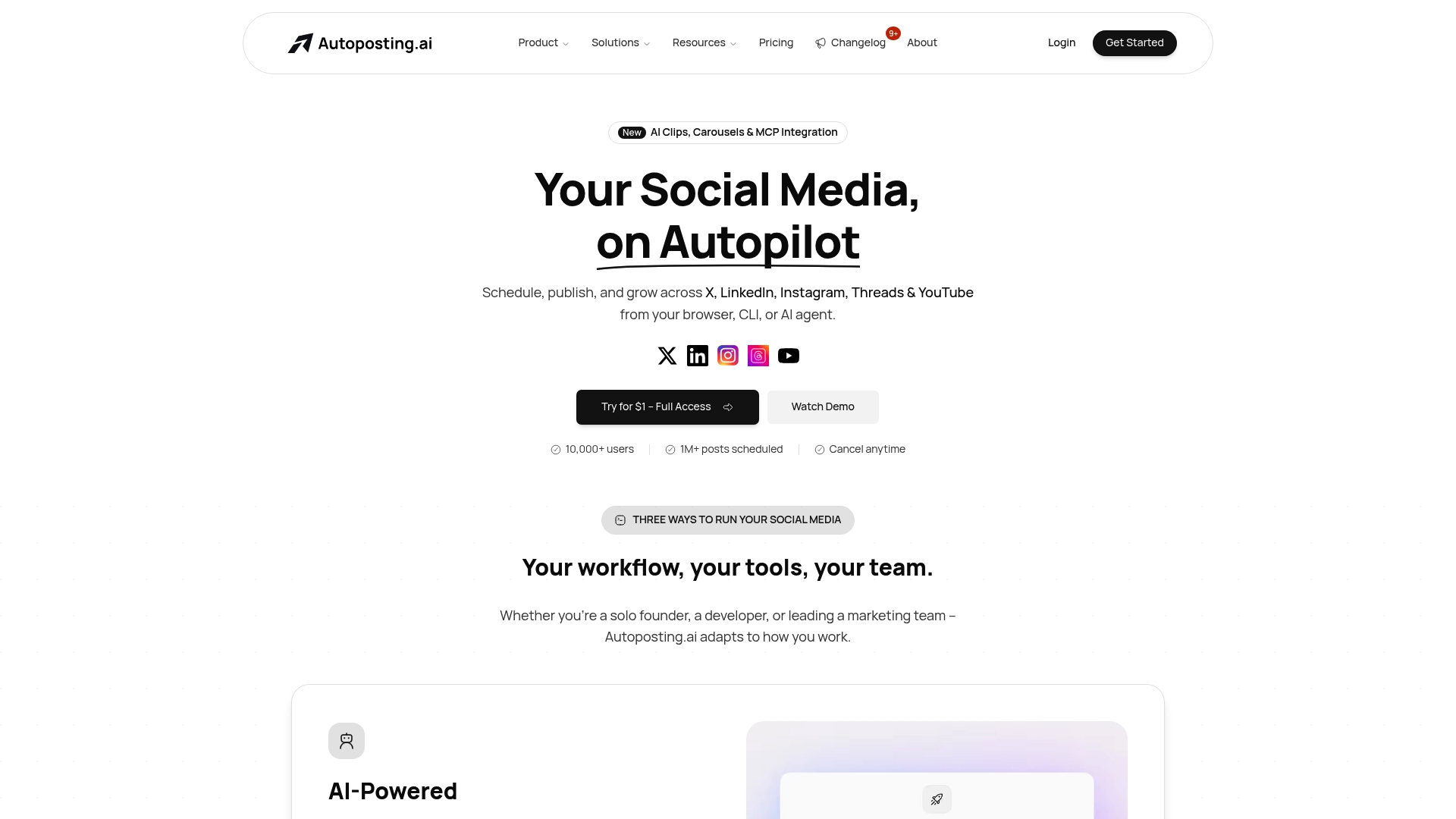
Autoposting.ai
At a Glance
CLI and MCP server compatibility lets teams run programmatic posting and AI agents against social accounts. The platform pairs that developer control with built in scheduling and brand-aware content generation. That mix targets engineers and agencies who need programmable workflows for LinkedIn and other networks.
Core Features
Autoposting.ai combines AI-powered content generation that adapts to a brand voice with multi-brand workspaces and role based team permissions. Developer tools include a REST API, a command line interface, webhooks, and MCP server compatibility for agent control. The platform also offers platform specific formatting and scheduling for X, LinkedIn, Instagram, Threads, and YouTube.
Key Differentiator
The platform’s API first architecture and developer friendly toolset set it apart from consumer oriented schedulers. That design makes it possible to embed posting into custom automation, CI pipelines, or AI agents. Technical teams can treat posting as part of application logic rather than a manual task.
Pros
Autoposting.ai gives technical teams direct programmatic control through CLI, REST API, and webhooks, which speeds up integration with existing workflows. Multi-brand workspaces and role based permissions make client handoffs and agency operations more predictable. Built in AI generation and auto repost features reduce manual drafting while maintaining consistent voice across LinkedIn and other channels.
Cons
- Requires developer setup: APIs, the CLI, or MCP need configuration and basic engineering skills to use effectively.
- Credits based pricing: costs can rise for high volume posting without careful credit management.
- Platform API limits: media uploads and scheduling frequency vary by network and can block some workflows.
- Less friendly for pure no code users who expect point and click publishing.
When It May Not Fit
If your team lacks engineering capacity, Autoposting.ai creates onboarding overhead and configuration work. High volume publishers should model credit usage before committing to a plan to avoid surprise expense. Small creators who prefer no code dashboards will find the product more complex than necessary.
Notable Integrations
- Major social networks via API: X, LinkedIn, Instagram, Threads, and YouTube are supported for posting and scheduling.
- REST API: use for custom integrations, batching, and application level controls.
- MCP server compatibility: lets AI agents drive posting and moderation workflows.
- Webhooks: provide real time events for post status, errors, and analytics ingestion.
Who It’s For
Developers, tech savvy marketers, and agency teams that need programmatic posting and customization will get the most value. Social media managers who work alongside engineering or want to embed posting in automation will also benefit. Solo creators who prefer a pure no code interface are not the intended audience.
Real World Use Case
An agency uses Autoposting.ai to manage ten client brands in a single workspace, assigning role based permissions per account. Developers connect the REST API to a content pipeline that pulls drafts from a CMS and queues posts with platform specific formatting. The team uses MCP agents to test posting logic and respond to API errors automatically.
Pricing
Plans start at $10/month for the Starter plan, which includes three accounts. Pricing scales up to $49/month for unlimited accounts and adjusts further based on AI credits and additional features. A free tier is available for basic testing and development.
Website: https://autoposting.ai
Comparison of alternatives
When evaluating platforms for LinkedIn content automation and engagement, each product provides unique strengths, from tailored workflows to specialized features for professionals and agencies.
Enhanced Voice Calibration and Engagement Scoring
Resonate.ai distinctly excels in its implementation of personalized voice calibration to ensure generated content preserves an individual’s authentic tone, a standout feature in contrast to competitors’ more general approaches to AI writing. For solo marketers and agency professionals, this functionality signifies less time spent revising drafts.
Service Specialization and Technological Proficiency
While Resonate.ai delivers an accessible user interface and broad-feature capabilities, Autoposting.ai wins as the preferred tool for technically adept users. With its developer-centric framework that includes MCP integration and API-driven architectures, Autoposting.ai offers advanced automation possibilies well suited to engineering-assisted workflows. However, non-technical users might encounter a steeper learning curve during setup.
Best fit
- Professionals who desire targeted LinkedIn content generation that embodies their personal voice and receives tailored engagement scoring should consider using Resonate.ai.
- Developers or agencies managing workflows requiring programmatic control over social media operations would benefit from leveraging Autoposting.ai’s automation capabilities.
- Those founders or small teams focusing solely on producing LinkedIn-compliant, engaging posts with minimal user interventions might attain value from Buzzli.
- Marketing teams and individuals seeking streamlined LinkedIn conversational engagement would find Depost AI’s reply and DM automation tools effectively optimize their outreach.
Our pick
Among the considered tools, for professionals emphasizing precise and consistent LinkedIn presence, Resonate.ai emerges as the top choice. Its integration of voice-trained AI draft creation coupled with predictive engagement scoring for well-timed posts set it apart as an option. Agencies and individuals valuing direct developer control might explore options like Autoposting.ai, which offers highly customizable solutions.
Selecting the most suitable LinkedIn content automation tool involves evaluating each platform’s features, pricing, audience fit, and potential limitations. The comparison below highlights these aspects for easy decision-making:
| Product | Core Features | Best For | Pricing | Notable Limitation |
|---|---|---|---|---|
| Resonate | Idea extraction from work tools, voice-calibrated drafts, predictive scoring, safe automation | Solo marketers, agencies, sales teams | Starter: $99/mo; Growth: $199/mo; Agency: $299/mo + fees | Requires proper setup of integrations |
| Depost AI | LinkedIn post generator, automated replies, Brand Voice customization | Content creators, LinkedIn marketers | $39/month (tier 2, monthly billing) | AI-generated replies often need manual edits |
| Buzzli | Personal Branding Agent, post drafting, carousel tools | Solo creators, LinkedIn-focused professionals | $99/month + $299 setup for agent services | Limited customization for complex topics |
| Autoposting.ai | Developer tools (API, CLI), AI content generation | Developers, tech-savvy marketers | $10/month (Starter plan) | Requires developer setup and engineering capacity |
Choosing the Right Postwise Alternative to Match Your Voice and Workflow
Many professionals and sales teams struggle with generic AI content that misses their personal style or real work context. Resonate uses voice calibration trained on your actual documents and messages. It pulls ideas directly from Notion, Slack, GitHub, and HubSpot, then scores your posts for engagement before scheduling publishing at optimal times. This keeps your LinkedIn content authentic, timely, and safe from account bans.
If you need a Postwise alternative focused on personalized LinkedIn posting with built-in engagement tools and outreach guardrails, explore Resonate. Use its AI critique agents and community boost feature to amplify your reach immediately after posting. Learn how tailored AI content and automated workflows reduce manual effort while maintaining your unique voice.
FAQ
What is a notable feature of Resonate?
Resonate uses voice calibration to generate drafts that match your writing style. This feature helps reduce the generic tone often associated with AI outputs, making your content feel more personal. As a result, you can produce posts that genuinely represent your voice while connecting with your audience.
How does Resonate perform against Depost AI in terms of posting frequency?
Depost AI excels at speeding up content posting by providing drafts and repurposed variants for LinkedIn. This allows users to publish more frequently with less effort. In contrast, Resonate focuses on generating personalized drafts and includes predictive scoring features to select optimal posting times, catering to different user needs.
Which platform offers advanced automation for outreach sequences?
Depost AI features an Engage tool that automates replies and outreach sequences for LinkedIn posts and direct messages. This capability is ideal for content creators and sales reps looking to maintain consistent engagement without manual input. However, if you want personalized drafts that reflect your unique voice, Resonate stands out with its voice calibration feature.
Can Resonate help agencies that manage multiple client accounts?
Yes, Resonate includes MCP API access for custom multi-client workflows, making it practical for agencies managing several accounts. This added functionality allows for easier management and scheduling of posts across different clients. It helps ensure that content remains engaging and tailored to each client’s audience.
What type of pricing structure does Resonate have?
Resonate offers a tiered structure ranging from Starter ($99/mo) and Growth ($199/mo) to specialized plans for agencies and teams. This tiered pricing allows potential users to select a plan that best fits their needs and budget, with different functionalities and support levels available.
Does Resonate provide an engagement analytics feature?
Yes, Resonate includes engagement analytics that learn over time. This feature helps users understand how their content performs and can inform future posting strategies, ultimately enhancing their reach on LinkedIn.
Recommended
See how Resonate's LinkedIn content generator handles this end to end - from voice training on your real writing to ban-safe scheduling via the official LinkedIn API.

Content Writer @ Resonate
Charlotte explores LinkedIn content, personal branding, AI writing, and founder-led marketing at Resonate. She believes the best content comes from real experience, not generic advice, and writes practical insights to help founders turn what they already know into content that people want to read.
Write LinkedIn content that sounds like you
with Resonate's AI Voice Engine