Top 6 Taplio vs Supergrow Alternatives 2026
Top 6 Taplio vs Supergrow Alternatives 2026

Managing LinkedIn content automation across multiple accounts without losing authentic voice or risking account safety is difficult. Current tools often lock advanced scheduling, voice matching, and analytics features behind higher pricing tiers or lack integration with daily work apps. This comparison lists six alternatives, so founders, agencies, and marketing teams can pick a linkedin content automation platform that fits workflow and budget requirements.
Resonate

At a Glance
Pulls post ideas directly from Notion, Slack, GitHub, HubSpot, Salesforce, and Google Drive. The platform generates drafts that match your writing by training on your connected work text. It adds prepublish engagement scoring and guardrails for outreach to reduce account risk.
Core Features
Resonate uses voice-calibrated AI to draft LinkedIn posts that reflect your real work and writing style. It sources post ideas from connected tools and daily activity rather than blank prompts, then scores predicted engagement before you publish. The product also includes safe automation for outreach, scheduling, and analytics that learn from your results over time.
Key Differentiator
The single standout is its feed of ideas pulled from your actual work apps, not generic prompt banks. That data feed lets drafts sound like you because the model trains on your messages and documents. Built-in guardrails and engagement prediction target safety and relevance while you publish more consistently.
Pros
Resonate creates authentic-sounding LinkedIn posts by training on your own work text. Its idea engine saves time by turning meeting notes, PR updates, and Slack threads into publishable material. The prepublish scoring helps you pick the best posts and the configurable guardrails reduce the chance of outreach triggering platform limits.
Cons
- Relies heavily on connected integrations, so idea generation is limited without well populated tools.
Notable Integrations
- Notion
- Slack
- Google Drive
- Gmail
- Google Sheets
- Google Docs
- Google Slides
Who It’s For
Founders, agencies, B2B operators, and sales teams who create content from daily work activity will get the most value. Teams managing multiple client accounts benefit from the scheduling and analytics features. Users with little connected work data will find the platform less useful until they link core apps.
Unique Value Proposition
Voice calibration trained on your connected apps lets Resonate produce posts that read like your own writing. That reduces editing time and keeps public messaging consistent across team members. For agencies, MCP API access and community boost features enable immediate reach amplification while preserving each client voice.
Real World Use Case
A SaaS founder links product launch notes in Notion. Resonate converts those notes into several LinkedIn drafts, ranks them by predicted engagement, and schedules the top picks for peak times. Outreach messages follow preset limits so promotion stays within safe activity levels.
Pricing
Resonate pricing is as follows: Starter: $99/mo, Growth: $199/mo (includes 3 people), Done-for-you: $999/mo, Team: from $1,999/mo, and Agency: $299/mo + $99 per active client.
Website: https://www.getresonate.ai
Supergrow
At a Glance
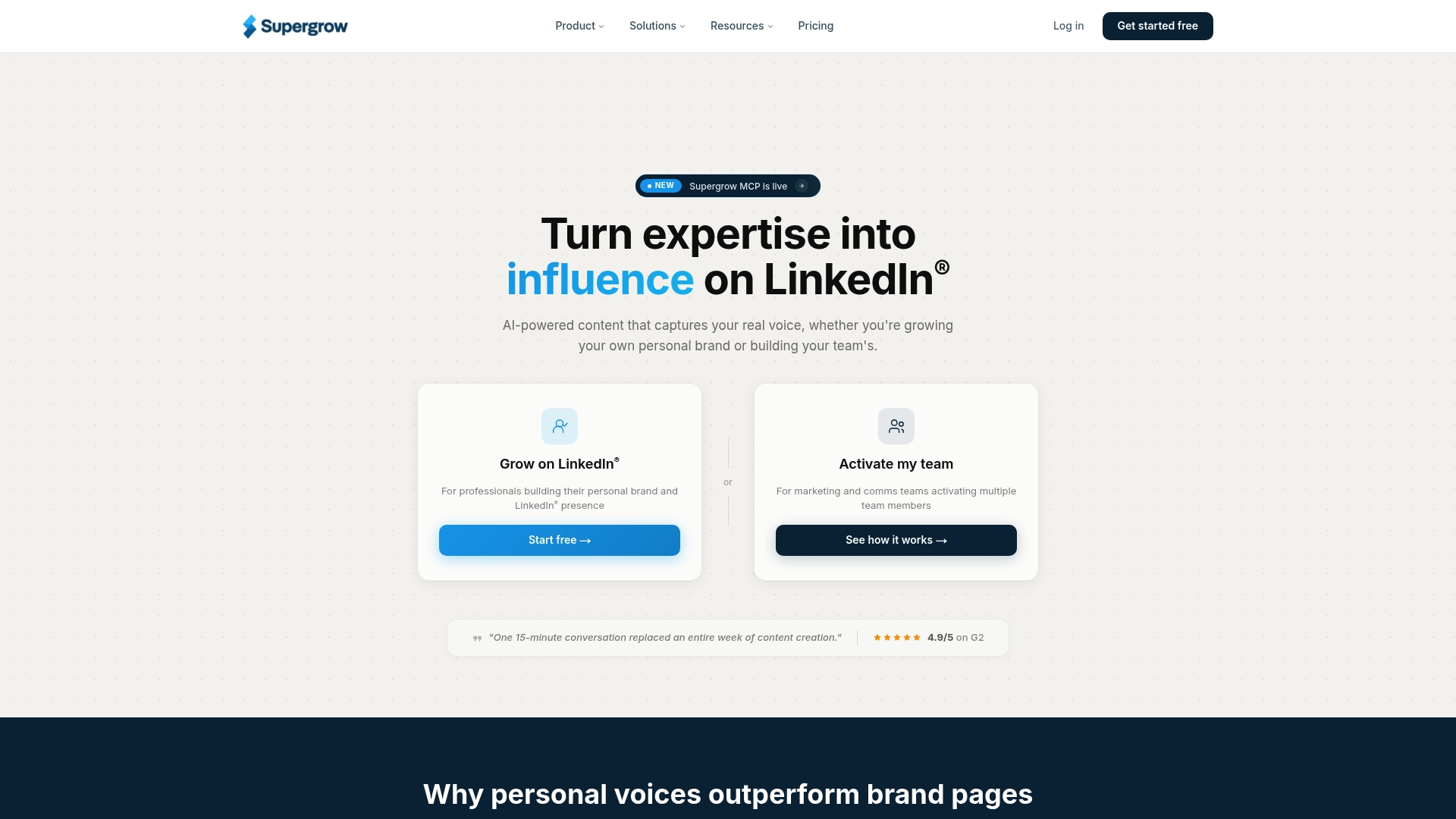
Content DNA profiles let Supergrow generate posts that sound like each individual, keeping a consistent voice across accounts. The platform pairs voice capture with interview-style AI called Postcast to surface publishable drafts. That focus helps teams convert executive knowledge into repeatable LinkedIn content quickly.
Core Features
Supergrow uses Content DNA and Postcast interviews for AI driven content creation, which adapts to an individual’s tone and role. It includes scheduled posting with a calendar, queue, and first comment automation, plus a curated engagement feed and AI generated comments to speed outreach. Analytics report visibility, engagement, and pipeline signals, and Supergrow MCP lets teams connect Claude or ChatGPT to manage workflows and reporting.
Key Differentiator
The platform’s distinguishing capability is its emphasis on Content DNA profiles that shape every generated post to match a real person’s voice. That emphasis makes Supergrow a fit for teams that need tightly matched personal branding at scale. It serves a narrower scope than platforms that prioritize broad workspace integrations and cross tool automation.
Pros
Personalized voice matching improves the authenticity of published posts and reduces the editing load for executives and creators. The scheduling tools and first comment automation free up time while keeping posting cadence consistent. Team features include approval chains and role management, which centralize oversight without losing individual tone. Content repurposing from video, PDFs, and articles lowers the barrier to regular posting. Curated feeds and AI comment suggestions accelerate engagement tasks that normally eat time.
Cons
- Buyer feedback highlights the challenge of keeping strict marketing control while preserving authentic voice for multiple contributors.
- Team pricing rises on higher tiers, so larger organizations may face growing subscription costs.
- Reliance on the LinkedIn API means platform capabilities can change if LinkedIn alters its rules or endpoints.
When It May Not Fit
If you need deep integrations with many productivity tools beyond LinkedIn, Supergrow may feel narrow. Teams without an existing body of content will see weaker Content DNA results until they supply more source material. Very large agencies that must manage dozens of distinct client workflows may find advanced management features gated behind higher plans.
Notable Integrations
- LinkedIn API for publishing and engagement tracking
- Claude via Supergrow MCP
- ChatGPT via Supergrow MCP
Who It’s For
Solo creators, marketing teams, and agencies that manage multiple LinkedIn voices and want AI generated, voice matched content. It fits organizations that prioritize personal and executive brand growth and need built in approval and analytics inside a single LinkedIn focused workspace.
Real World Use Case
A B2B marketing team records short interviews with executives and feeds them into Postcast. The platform generates draft posts in each leader’s voice, queues them on a calendar, and posts with a prepared first comment. The team monitors engagement and adjusts cadence from one central dashboard, increasing output without outsourcing writing.
Pricing
Starts at $19/month for Individuals and $39/month for the Pro plan. Team and agency pricing is available, with monthly or yearly billing and discounts for annual commitments.
Website: https://supergrow.ai
MagicPost
At a Glance
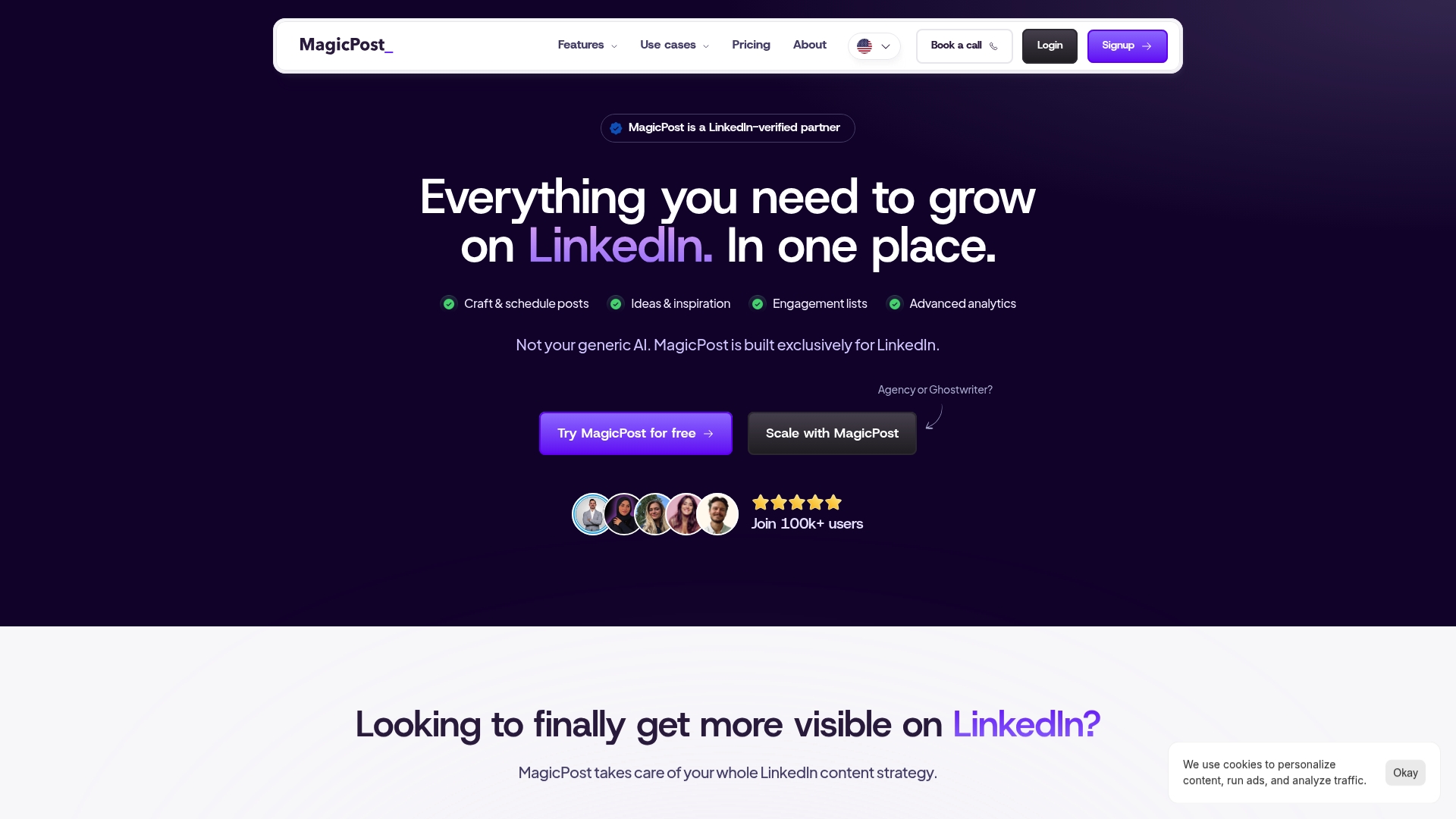
According to the company, MagicPost is trusted by over 200 companies and verified by LinkedIn. The platform focuses only on LinkedIn and combines AI writing, scheduling, and analytics into one interface. Its claim to safety rests on official API integration rather than browser automation.
Core Features
MagicPost lets teams craft and schedule posts while generating content ideas and inspiration through AI prompts. It bundles engagement lists with advanced analytics so you can track which posts spark conversations and which topics resonate. The editor includes AI-assisted post optimization that suggests edits for tone and structure.
Key Differentiator
MagicPost’s primary advantage is its exclusive focus on LinkedIn and its official API link. That official connection reduces the risk of account flags and allows AI features tuned specifically for LinkedIn posting behaviors. The LinkedIn focus shapes product decisions across analytics, templates, and scheduling.
Pros
MagicPost centralizes LinkedIn work into one workflow so teams spend less time moving data between tools. The analytics and engagement lists help you spot discussion drivers and recurring post formats that work for your niche. The verified API approach supports safer automation, and the AI personalization features speed drafting while keeping posts aligned to professional tone.
Cons
- Heavy reliance on AI may still require manual edits to preserve authentic voice and subtle nuance.
- Pricing plans may be a stretch for solo creators or early stage freelancers.
- Tools are tailored for LinkedIn and do not extend well to other social networks.
When It May Not Fit
If you need cross platform management for Twitter, Instagram, or Facebook, MagicPost will not cover those channels directly. Teams that require deep manual control over every sentence may find the AI suggestions intrusive and prefer a lighter drafting tool.
Notable Integrations
MagicPost connects via the LinkedIn API to publish, read engagement, and pull profile data. That integration is the backbone for its scheduling, engagement lists, and analytics features.
Who It’s For
Social media managers and agencies focused squarely on LinkedIn get the most value from MagicPost. Content creators seeking measurable professional growth will appreciate the analytics and idea generation. Marketing teams running multiple profiles or client accounts benefit from shared calendars and reporting.
Real World Use Case
A marketing agency schedules a month of client posts inside MagicPost, uses AI to draft topic variations, and assigns posts to team editors. The agency then monitors engagement lists to prioritize replies and to surface comments for client reports. That workflow keeps posting consistent while preserving human oversight on final copy.
Pricing
See tiered plans starting from $21/month for analytics and $39/month for content strategy. Team and agency plans are available at customizable prices based on seats and account volume.
Website: https://magicpost.in
Depost AI
At a Glance
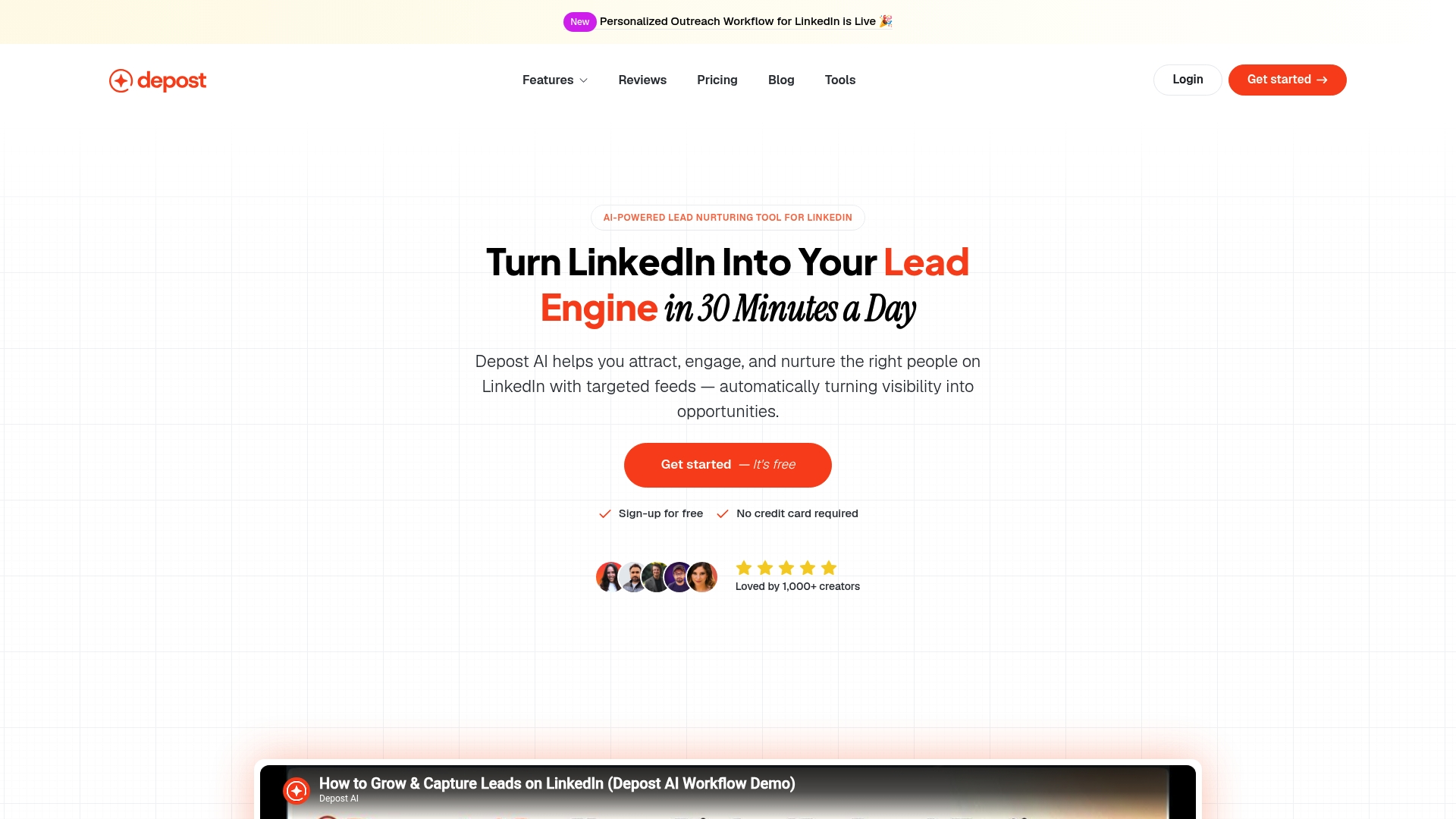
Depost AI currently lists Tier 2 limited spots at $39 monthly or $349 yearly as its promotional pricing. It pairs post creation with automated engagement across LinkedIn, X, and Reddit to save time on outreach. The platform targets creators who want a single place to write posts, schedule them, and follow prospects. Try the free trial to test message automation before committing.
Core Features
The tool includes a Post Generator that speeds writing and a content repurposing flow that turns longer text into shorter post formats. It also stores saved items in Bookmarks, offers an Inspiration library of viral posts, and provides Ideation tools to spark topics. The Engage feature automates comments and direct messages while Targeted Feeds and prospect tracking keep relationship context in one place.
Key Differentiator
Depost AI emphasizes preserving an individual voice with a Brand Voice setting that guides output toward a consistent tone. The product pairs that with engagement tracking so you can see who replied, who opened a thread, and which posts started conversations. That creator-first focus narrows the tool toward LinkedIn-centric content makers rather than broad social management suites.
Pros
The strongest benefit is faster, more consistent posting while keeping a recognizable voice for your profile. Automating replies and comment seeding reduces manual time spent on basic outreach and follow up. The Inspiration library and ideation tools make it easier to pull from proven formats rather than guessing what to write. Built-in prospect tracking keeps notes and interaction history inside the same workflow. The combined repurposing plus scheduler flow helps you reuse long-form work into shareable LinkedIn posts.
Cons
- Safety and compliance claims are tied to user testimonials rather than formal guarantees, which leaves policy risk unclear.
- The AI sometimes produces odd phrasing that requires manual editing to match a precise professional tone.
- The vendor does not publish detailed model capabilities, so handling very nuanced or technical subjects may need oversight.
- Some features require active user input and monitoring to maintain appropriate outreach behavior.
When It May Not Fit
If your team demands audited compliance or guaranteed platform-safe automation, this product may not meet those enterprise needs. Companies that want a completely hands off outreach system will find manual checks still necessary. Agencies managing dozens of corporate accounts may miss an enterprise-grade admin and governance layer. Expect to pair Depost AI with a review workflow for sensitive messaging.
Who It’s For
Content creators, solo consultants, and small marketing teams focused on LinkedIn growth will get the most from Depost AI. It suits professionals who want to publish more often while keeping a personal tone and tracking lead conversations. It also fits small teams that need a unified place to save ideas and convert them into scheduled posts.
Real World Use Case
A freelance marketing consultant used Depost AI to draft weekly LinkedIn threads from client case studies, repurpose long blog sections into hooks and CTAs, and automate first-pass message replies. The consultant kept prospect notes in the platform and reclaimed several hours per week previously spent on manual outreach. Engagement rose when posts kept a consistent voice.
Pricing
Pricing runs on a tiered model with limited Tier 2 spots. The promotional rate lists $39 monthly versus a regular $59, and an annual option at $349 versus a regular $708; the plan includes full feature access, priority support, and early updates. A free trial is available to evaluate the automation features.
Website: https://depost.ai
Buzzli
At a Glance
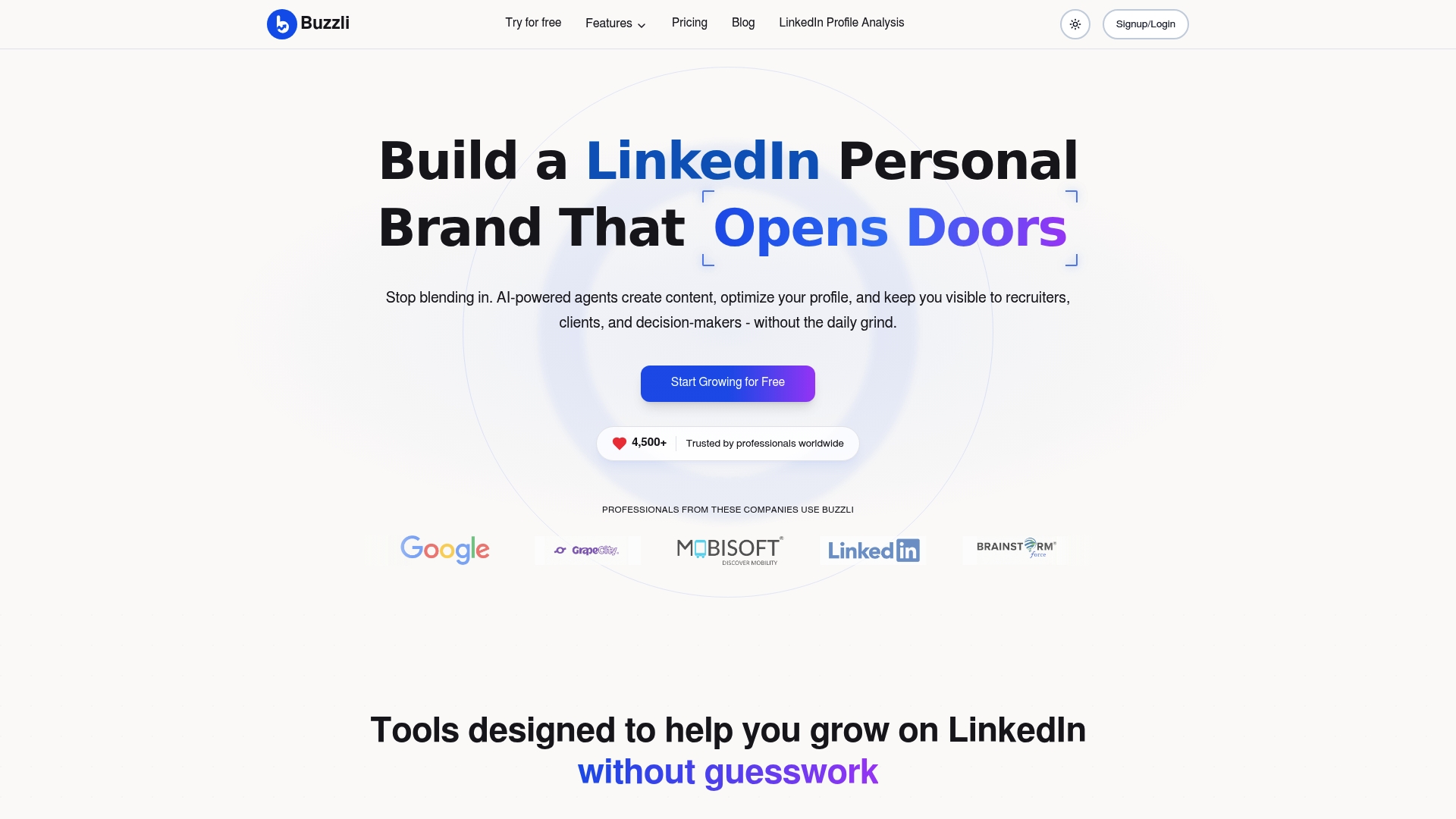
One time personal branding setup costs $299. Buzzli mixes content generation, profile analysis, and viral discovery tools into a LinkedIn-focused workflow. The product claims personalized AI training that matches an individual writing style and supplies curated inspiration for trending posts.
Core Features
Buzzli generates LinkedIn posts, carousels, and content ideas while analyzing profile strength and offering optimization suggestions. It includes viral post discovery and automated research plus scheduling driven by AI agents that plan and queue content. Personalized content planning helps users map topics and cadence tied to profile recommendations.
Key Differentiator
Buzzli centers its offering on personalized AI training and a unified tool set for LinkedIn content and profile work. That focus makes it a narrower product than broader social schedulers because it aims specifically at proactive personal branding and style matching. Teams that want a single place to train AI on an individual voice will find that emphasis notable.
Pros
Automates both content creation and profile optimization, which reduces the time you spend ideating and auditing your LinkedIn presence. The personalized AI training helps preserve an author voice when generating multiple post formats, and the viral discovery tools surface recent ideas you can adapt quickly. Flexible pricing options include limited free credits plus credit based and subscription plans, which can suit both occasional posters and power users.
Cons
- Pricing mixes pay per use and tiers, which may feel expensive for small or casual users who post irregularly.
- The tool expects some familiarity with AI workflows and scheduling concepts, so nontechnical people face a learning curve.
- Heavy reliance on automated suggestions can dilute authenticity unless you actively tailor outputs to your voice.
- Free plan has limited credits, which restricts testing and frequent use without upgrading.
When It May Not Fit
If you post only occasionally and prefer a free tool, limited credits will likely frustrate you. Teams that need deep multiuser collaboration features are not the primary focus here, so larger marketing departments may miss enterprise workflow controls. Users without steady internet access or those unwilling to invest time in AI tuning will not get the most value.
Who It’s For
Professionals and creators who want a concentrated LinkedIn playbook will benefit most. That includes founders, job seekers, marketers, and corporate teams building individual author brands. People who plan frequent posts and who will invest in AI training match will extract the most value.
Real World Use Case
A digital marketing consultant uses Buzzli to schedule daily industry insights and to audit profile sections for clarity and reach. The consultant copies viral structures surfaced by the platform then adapts language to their voice so posts feel authentic. Over several weeks the planner keeps a steady posting cadence without manual idea hunting.
Pricing
Buzzli offers a free plan with limited credits alongside Pro and Premium plans that add credits and features. There is a one time personal branding setup for $299 plus recurring monthly fees for paid tiers. The platform also supports credit based purchases for occasional bursts of output.
Website: https://buzzli.io
Pressmaster.ai
At a Glance
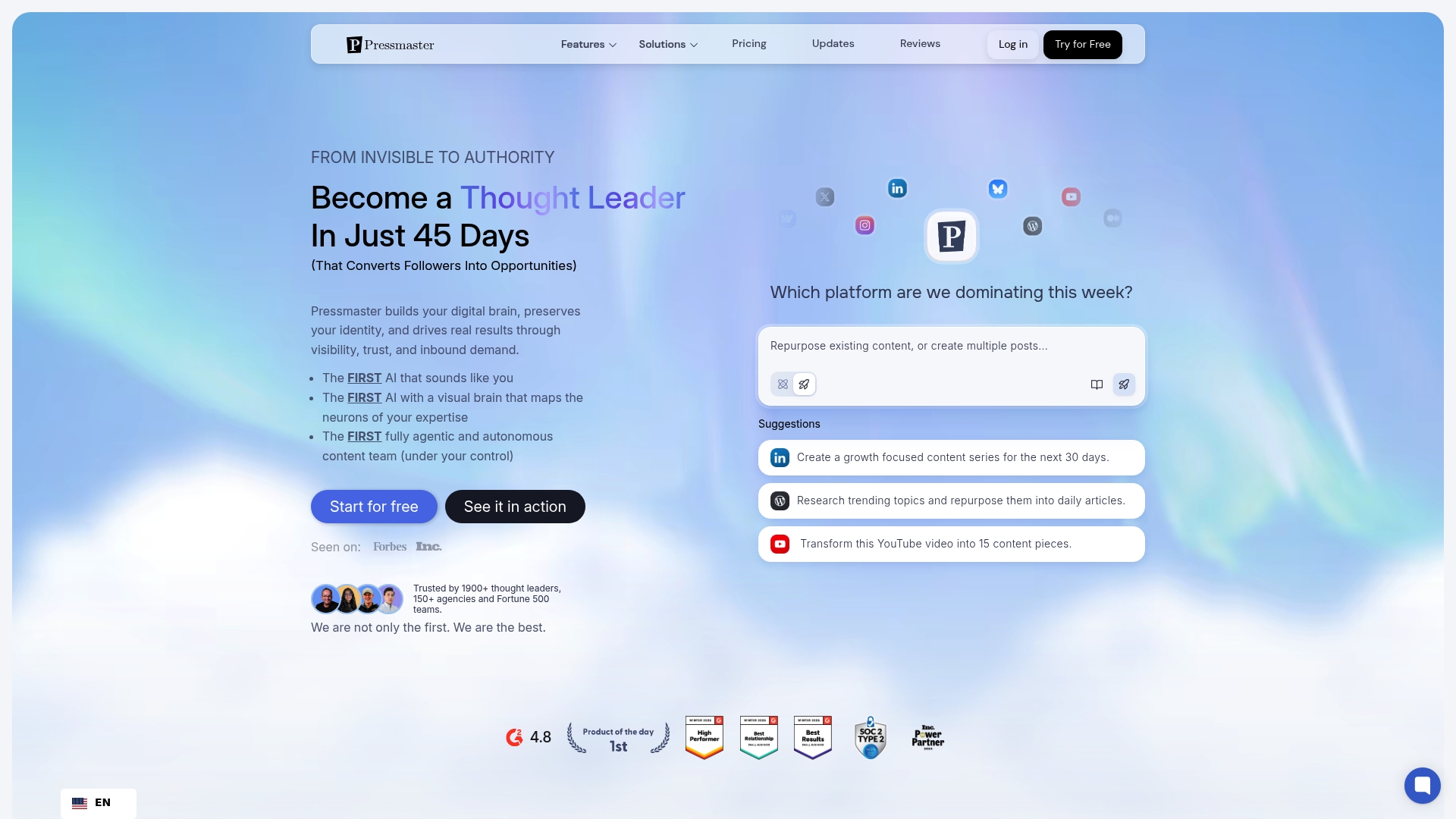
Pressmaster.ai’s marketing materials state it can turn individuals into industry authorities within 45 days. The platform pairs voice capture and AI interviews to generate long form articles and social posts. It also claims wide adoption, reporting that it is trusted by thousands. That combination aims to accelerate a founder or agency’s visible output quickly.
Core Features
Pressmaster.ai creates long form articles, social posts, and key insights by combining AI interviews and voice capture with automated research. The platform builds a digital twin that learns your voice and style and then uses that model to draft content and repurpose pieces across channels. It runs trend monitoring and sentiment analysis while AI agents handle planning, drafting, and publishing.
Key Differentiator
Pressmaster.ai centers on using autonomous AI agents plus continuous voice learning and real time trend analysis to keep content timely and on voice. That mix is aimed at scaling authentic output with minimal manual drafts. The result privileges cadence and topical relevance over one off content pieces.
Pros
The platform automates planning, drafting, publishing, and analytics into a single workflow so teams can reduce routine tasks. Its voice learning feature helps maintain a consistent tone across formats and time. The vendor reports being trusted by thousands, which suggests active adoption among founders and agencies. Pressmaster.ai also supports collaboration and white labeled workflows for agencies that need client facing deliverables.
Cons
Complex interface may require a learning curve for nontechnical users.
AI output often needs human review for nuance and factual checks.
Pricing may feel steep for solo creators on tight budgets.
Reliance on integrations means interruptions can affect publishing pipelines.
When It May Not Fit
If you publish only occasionally, Pressmaster.ai may be overkill. Teams with no prior AI experience will face setup and training overhead. Organizations that need offline workflows or cannot rely on external integrations should consider alternatives. Small creators with minimal budgets may find the paid tiers unnecessary.
Notable Integrations
LinkedIn
Twitter/X
Webflow
Zapier
Other major social and media platforms
Who It’s For
Solo founders, freelancers, marketing teams, and agencies who want to scale content output while keeping a consistent voice will get the most value. The platform fits creators who plan frequent publishing and who can invest time to train the voice model. Agencies that offer content at scale can use white labeled features to deliver client work.
Real World Use Case
A CEO records short AI interviews and voice samples. Pressmaster.ai drafts weekly thought leadership articles, spins social posts from those articles, and schedules publishing across LinkedIn and Twitter/X. The CEO keeps final edits minimal and preserves a consistent personal tone.
Pricing
A free tier is available for testing basic features. Paid plans start at $21.75/month for Starter and scale to $149.25/month for Leader Max. Enterprise pricing is available for larger teams and agency needs.
Website: https://pressmaster.ai
Comparison of Alternatives
Resonate.ai excels with its unique voice-calibration feature that integrates drafts directly from apps utilized in daily work activity, enabling creation of LinkedIn posts that genuinely reflect professional tones and routine contexts. Compared with several alternatives, its connection-based engagement scoring delivers specific strengths and drawbacks depending on user scenarios.
Voice Personalization Focus
While Resonate.ai emphasizes post authenticity through integrated voice-trained models, Supergrow excels at branding authenticity via its Content DNA feature. Teams focusing on strict personal voice alignment might favor Supergrow for this tailored approach to individual branding, even if it sacrifices breadth in workspace integration.
Cost-Effectiveness and Scope
MagicPost presents a LinkedIn-specific workflow designed for agencies prioritizing channel safety and streamlined scheduling. Depost AI offers post repurposing tools tailored for solo creators needing efficient content adaption. Buzzli extends value through viral trend generation mixed with heavily tailored personal branding setups. Each excel in niches beyond the scaled integration processes provided by Resonate.ai.
Best Fit
- Agencies prioritizing tailored client branding will appreciate Supergrow’s Content DNA for maintaining personalized voice consistency across all accounts.
- Independent marketers working with lean cost allocation should investigate MagicPost’s LinkedIn-specific safety features and analytics tools.
- Entrepreneurs or small teams seeking draft customization paired with automated prospect tracking might find Depost AI generative and conversion-friendly.
- Consultants relying on trend-analysis inputs can adapt quickly through Buzzli’s aligned setup for enhancing recommendations.
Our Pick
Resonate.ai stands out through its deep integration capabilities that source contextual LinkedIn post content from connected apps such as Notion and Salesforce. This feature ensures a relevant draft creation pipeline and authentic voice output suited perfectly for teams and executives with system engagements. However, solo creators focused solely on branding voice without needing app connections might weigh alternatives higher in simplicity and cost efficiency.
To help you make an informed decision, this table compares products based on their features and user alignment.
| Product | Key Differentiator | Best For | Pricing | Notable Limitation |
|---|---|---|---|---|
| Resonate | Generates LinkedIn posts from integrated tools and authentic writing | Agencies managing multiple accounts | Starter: $99/mo, Growth: $199/mo (includes 3 people), Done-for-you: $999/mo, Team: from $1,999/mo, Agency: $299/mo + $99 per active client | Requires connected integrations for optimal content generation |
| Supergrow | Uses Content DNA to ensure personal branding in LinkedIn content | Personal and executive brand growth | Starts at $19/month, $39/month (Pro plan) | Changes in LinkedIn API can impact platform functionality |
| MagicPost | Exclusive focus on LinkedIn with API integration for posting and analytics | Social media management for LinkedIn | From $21/month (analytics) to $39/month (content strategy) | Lacks support for platforms beyond LinkedIn |
| Depost AI | Emphasizes a brand voice with automated engagement across platforms | LinkedIn-focused content creators | $39 monthly (Tier 2 promo), $349 yearly | User testimonial-based safety claims, not formally verified |
| Buzzli | Personalized AI training for LinkedIn-specific branding and content | Professionals seeking concentrated LinkedIn strategies | $299 one-time setup plus subscription fees | Free plan offers limited credits, requiring upgrades for more use |
| Pressmaster.ai | Voice-learning AI for generating and scaling content across channels | Founders, agencies, marketing teams | $21.75/month (Starter tier), $149.25/month (Leader Max) | Complex interface requires time investment for setup |
How to address the challenges in Taplio vs Supergrow alternatives for LinkedIn content
Many B2B operators, founders, and agencies struggle to keep LinkedIn posts authentic, engaging, and safe from platform restrictions. The article highlights issues such as maintaining a personal voice across multiple accounts, generating ideas from real work without scattered workflows, and reducing the risk of outreach limits. Resonate solves these problems by training AI on your actual work content from tools like Notion and Slack. It delivers personalized, voice-calibrated drafts with engagement scoring and guardrails to ensure safe, consistent posting.
Resonate also offers
- Deep integrations with productivity apps to source relevant post ideas
- Automated scheduling and analytics that learn from your results
- Community boosts to amplify reach immediately after publishing
Explore how Resonate fits your LinkedIn content needs and experience voice-driven AI posting that reflects your real work. Visit Resonate official site to generate drafts from your daily activity and keep your professional brand consistent without risking account flags.
See Resonate at https://www.getresonate.ai to try AI-powered LinkedIn posting tailored for your workflows and voice.
FAQ
How does Resonate help in generating LinkedIn posts?
Resonate creates authentic-sounding LinkedIn posts by training on your own work text. Its voice-calibrated AI drafts posts based on ideas directly sourced from integrated tools. Start generating personalized content by linking your accounts to Resonate.
What is the difference between Supergrow and Resonate?
Supergrow excels in personalized voice matching, which improves the authenticity of published posts. In contrast, Resonate focuses primarily on generating drafts from your daily work activity, making it a better choice for consistent content creation based on your real communications. Choose Resonate for a broader engagement strategy based on connected tools.
Which platform is better for teams managing multiple client accounts?
Resonate is ideal for teams managing multiple client accounts because it includes safe automation for outreach and scheduling, along with analytics that learn from your results. This allows teams to publish more consistently while reducing the risk of account flags. If you’re working with varied clients, look into how Resonate can meet your scaling needs.
Can I use Resonate if I have limited integrations set up?
Using Resonate effectively requires connections to your primary work tools, as it relies on data pulled from these integrations to generate relevant content ideas. If you have minimal integrations, start linking your core apps to maximize the platform’s capabilities.
How does Resonate ensure engagement scoring for posts?
Resonate provides prepublish engagement scoring, allowing users to pick the best posts based on predicted performance. This feature helps users make informed decisions on what to publish, increasing the likelihood of post engagement. Utilize this scoring mechanism to enhance your content strategy.
Recommended
- Resonate vs Supergrow: Honest LinkedIn Tool Comparison for 2026
- Resonate vs Taplio: Which LinkedIn Content Generator Is Better in 2026?
- Resonate - LinkedIn Content Generator That Sounds Like You
See how Resonate's LinkedIn content generator handles this end to end - from voice training on your real writing to ban-safe scheduling via the official LinkedIn API.
", "changed": true}
Content Writer @ Resonate
Charlotte explores LinkedIn content, personal branding, AI writing, and founder-led marketing at Resonate. She believes the best content comes from real experience, not generic advice, and writes practical insights to help founders turn what they already know into content that people want to read.
Write LinkedIn content that sounds like you
with Resonate's AI Voice Engine