Turn Notion Docs Into LinkedIn Posts
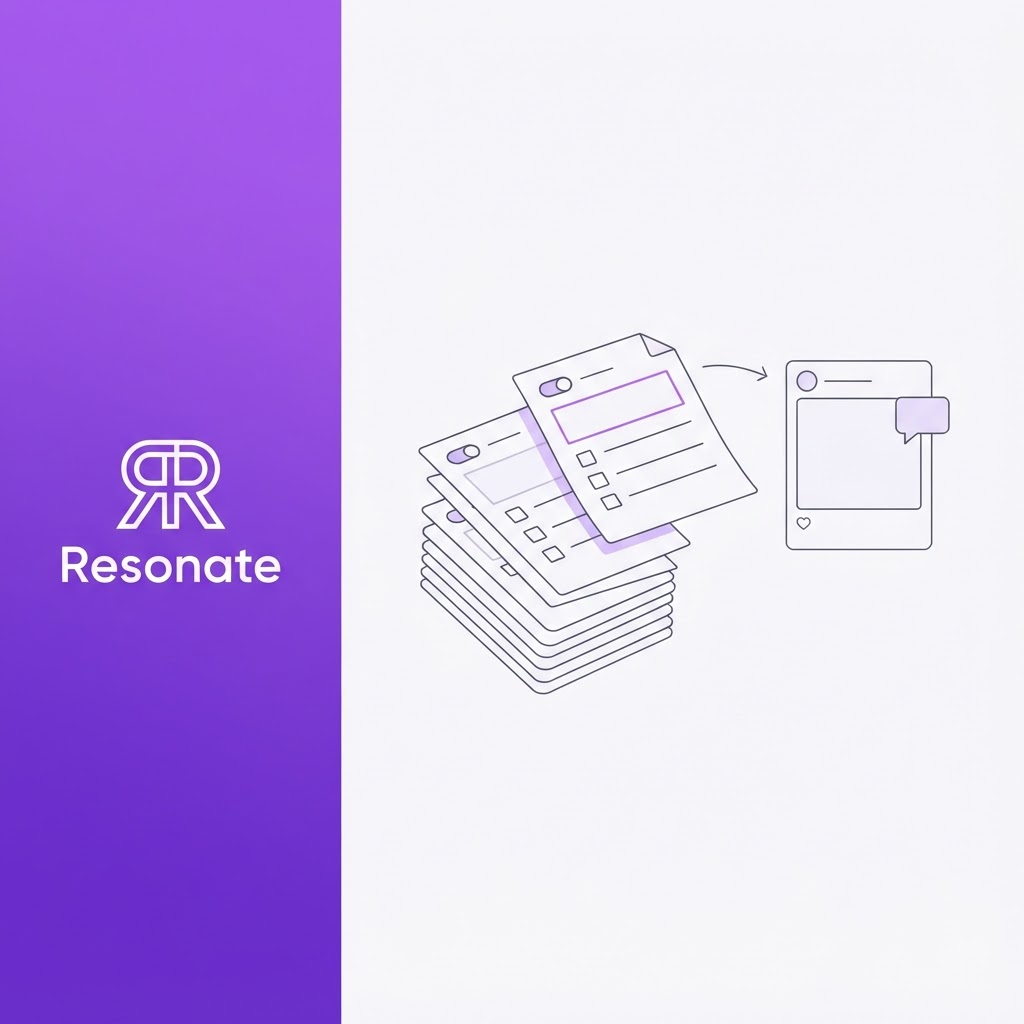
If your startup runs on Notion, you are sitting on months of LinkedIn content. Meeting notes, product specs, hiring scorecards, investor updates, and retros all hold decisions, lessons, and opinions your buyers would read. The problem is that none of it was written for LinkedIn, so it stays in the workspace. Creating LinkedIn posts from Notion is not about copying and pasting. It is about pulling the one insight out of each doc and rewriting it for a feed.
Most guides on this topic show you how to save LinkedIn posts into Notion, or how to schedule posts you've already written in a Notion content calendar. This one starts a step earlier, with the work docs already in your workspace as the source of the posts.
This guide covers which Notion docs make the best posts, a 5-step manual method you can run today, a worked example, and how to automate the Notion to LinkedIn workflow without losing your voice.
Quick answer: To turn a Notion doc into a LinkedIn post, pick a doc that records a decision, lesson, or result. Pull out the single most surprising point, write a one-line hook around it, add two or three lines of context, and then end with a takeaway or question. Strip internal jargon and names. Run this weekly on your newest docs, or connect Notion to an AI ghostwriter that surfaces the ideas and drafts them in your voice.
Why is Notion the best LinkedIn idea bank you already own?
Founders and executives don't lack expertise. They have customer conversations, meetings, product updates, opinions, lessons, and company milestones. What they lack is the time or a system to turn those inputs into consistent LinkedIn content. For Notion-first teams, most of those inputs are already written down. (See why "what should I post about?" is the wrong question.)
That gives Notion three advantages over a blank page:
- It's already written: You aren't starting from zero. The thinking is done, and the facts are on the page.
- It's specific: A doc records real numbers, real trade-offs, and real dates. Specific details are what separate a credible post from generic advice.
- It's dated: Notion pages show when a decision was made, so you can tell the story of how your thinking changed over time.
This matters because buyers judge you on how you think. In the 2024 Edelman-LinkedIn study, 73% of B2B buyers said thought leadership is a more trustworthy basis for judging an organization's capabilities than its marketing materials (Edelman's summary of the 2024 Edelman-LinkedIn study). Your Notion workspace is the most honest record of how your team thinks. Repurposing it is how that thinking reaches buyers: business expertise, then LinkedIn visibility, then audience trust, then qualified demand.
Which Notion docs make the best LinkedIn posts?
Not every page is worth repurposing. The best Notion content repurposing starts with docs that record a decision, a lesson, or a result.
| Notion doc | What to pull out | Post angle |
|---|---|---|
| Meeting notes | A decision and the debate behind it | "We spent an hour arguing about X. Here's what we decided." |
| Product specs and PRDs | The problem you chose to solve and what you cut | "Why we said no to our most requested feature" |
| Roadmaps | A priority shift and the reason | "We moved X to next quarter. Here's the trade-off." |
| Customer research notes | A pattern across interviews | "12 customer calls, one surprising answer" |
| Retros and post-mortems | What went wrong and the fix | "Our launch slipped two weeks. 3 things we'd change." |
| Hiring scorecards | What you look for and why | "The one interview question that predicts a great first marketer" |
| Investor updates | A milestone or a metric that moved | "What changed after we hit $2M ARR" |
| Internal wikis and SOPs | A process you've refined | "The one-page framework we use for every launch" |
Skip pages that are only task lists or raw data with no conclusion. If a doc doesn't answer "so what?", it won't make a post.
How do you turn a Notion doc into a LinkedIn post in 5 steps?
Step 1: Pick the right doc
Filter for pages your team has tagged "LinkedIn-worthy", or sort by last edited and open anything from the past week that records a decision, lesson, or result. A shared tag lets anyone on the team flag a page without another meeting.
Step 2: Find the one insight
Ask, "What would surprise a peer reading this?" Highlight that single point and ignore the rest. One doc, one post.
Step 3: Remove what's private
Strip customer names, internal codenames, revenue figures you don't share publicly, and anything under NDA. Replace them with general descriptions.
Step 4: Rewrite for the feed
Open with a one-line hook built on the insight. Add two or three short lines of context, then the lesson. End with a takeaway or a question. A Notion doc is written to inform a team. A post is written to stop a scroll.
Step 5: Schedule and log it
Queue the post and add a "posted" tag to the Notion page so you don't reuse it.
If you want to draft with an AI tool, export the Notion page as Markdown first so headings and lists survive the paste. Two or three posts a week is a sustainable rhythm, and it matches the cadence in LinkedIn's guide to executive thought leadership posts, which also recommends customer stories and behind-the-scenes moments as core material.
What does a Notion retro look like as a LinkedIn post?
Here is an excerpt from a Series A startup's Notion page, "Q3 Launch Retro":
What went wrong: Beta users loved the feature but only 9% turned it on after GA. Onboarding assumed users knew the setting existed. Decision: Move the toggle into the first-run checklist. Owner: Product. Ship by Oct 20.
After steps 2 to 4, the post looks like this:
- Hook: Our beta users loved a feature. Then only 9% turned it on after launch.
- Context: The feature worked. Our onboarding assumed people knew it existed. They didn't.
- Lesson: Beta feedback tells you if something is useful. Activation tells you if anyone can find it.
- What we changed: The setting now lives in the first-run checklist, not three menus deep.
- Question: What's a feature your users love but never find?
The internal owner and deadline were removed, the jargon was dropped, and one number carried the story. The insight was already in the doc. The post just gave it a hook.
How does Notion formatting translate to LinkedIn?
A LinkedIn post doesn't render Notion's headings, toggles, callouts, or tables. Pasting a page as it is produces a wall of text or broken symbols. Translate each element instead:
| Notion element | What happens on LinkedIn | What to do instead |
|---|---|---|
| Headings | Shown as plain text, or as stray symbols after a Markdown paste | Turn the main heading into your hook line |
| Toggles | The hidden content has nowhere to go | Pull out the one line that matters and drop the rest |
| Callouts | Lose their box and emphasis | Rewrite the callout as a one-line takeaway |
| Tables | Don't render | Pick one to three numbers and write each as a short line |
| Long paragraphs | Hard to read in a feed | Break into one or two sentence lines, and make the first lines count before readers have to tap to expand |
| @mentions and page links | Mean nothing to outsiders and may expose internal pages | Remove them; tag real people on LinkedIn only with their permission |
One doc, several posts
A rich doc can feed more than one post. A launch retro, for example, can become three:
- The lesson: What went wrong and the fix.
- The behind-the-scenes: How the team ran the retro and made the decision.
- The follow-up: A few weeks later, what the change did to the numbers.
Spacing them a week or two apart turns one Notion page into a short series and gives readers a reason to come back.
Where does manual Notion repurposing break?
The 5-step method works, but it relies on someone remembering to do it. Most teams hit the same three walls:
- Nobody owns the scan: The founder is too busy, and marketing doesn't know which docs matter.
- The workspace grows faster than you read it: In a growing startup, new pages pile up every week. The best insight is often buried in a doc nobody revisits.
- Voice drifts: When a marketer or generic AI tool rewrites the founder's notes, the result sounds like a brand account, not a person.
What are the four ways to get Notion content onto LinkedIn?
Most Notion to LinkedIn tools move a finished post from a Notion database to LinkedIn. Very few help you write the post in the first place, which is the hard part.
| Approach | Example | Writes the post? | Keeps your voice? | Approval before publishing | Best for |
|---|---|---|---|---|---|
| Manual rewrite | Copy, rewrite, paste | You write it | Yes | Yes, you post it yourself | One or two posts a week, full control |
| Simple automation | IFTTT applet, n8n workflow | No, posts page text as written | Only if the page was written as a post | Not by default | Posts already drafted in Notion |
| Scheduler connection | Scheduled for Notion | No | Only if you wrote it | Yes, via a status property | Teams that draft in a Notion content calendar |
| AI ghostwriter | Resonate | Yes, from ideas it surfaces in your work | Yes, calibrated on your past posts | Yes, every post | Founders and teams with no time to draft |
The first three assume someone has already turned the doc into a post. Only the last one starts from the work itself.
What should a LinkedIn post generator from Notion do?
If you automate this, a copy-paste prompt isn't enough. A useful LinkedIn post generator from Notion should:
- Connect with clear permissions: Notion connections only reach the pages they are added to, and you can disconnect them at any time (Notion's guide to adding and managing connections). That control matters when your workspace holds investor and customer data.
- Surface ideas, not summaries: It should find the decision or lesson in a doc, not condense the whole page.
- Write in your voice: Drafts should be trained on your past posts, not a generic LinkedIn template.
- Check before you publish: Each draft should be reviewed for hook strength, voice match, and likely engagement.
- Keep a human in control: Nothing should go live without your approval.
If you only want to test one draft first, Resonate's free LinkedIn post generator is a quick way to see the difference a strong hook makes.
How does Resonate turn Notion docs into LinkedIn posts?
Resonate is an AI LinkedIn ghostwriter powered by your real work and calibrated to your voice. Notion is one of its 15+ integrations, alongside Slack, GitHub, HubSpot, and Salesforce, each connected through OAuth in about a minute. Resonate reads what your team is doing (launches, wins, customer insights) and turns it into post ideas automatically.
- Real work: Your Notion pages, along with your other connected tools, become the source material.
- Ideas: The content ideas engine surfaces post-ready ideas from that work, each with an engagement estimate.
- Voice calibration: A voice model trained on your own writing captures your tone, phrasing, and rhythm.
- AI draft: Each idea becomes a full draft in your calibrated voice.
- AI critique: Three AI critique agents (Hook, Voice, and Virality) review every draft before you see it.
- Human approval: Nothing goes live until you approve it.
- Schedule: Approved posts are queued for the best time to publish.
- Publish: Posts go out on schedule, without browser extensions or scraping.
- Learn from performance: Self-learning analytics feed real engagement back into the model, so each post gets sharper.
If your team already works with Notion inside Claude or Cursor, Resonate's MCP integration lets you fetch context and draft posts from those tools directly. Want to see the same flow with a different source? Here is how Resonate turns Slack threads into LinkedIn posts, and how GitHub and Slack data fuel post ideas.
Your Notion workspace already has next month's posts in it. Start a free 14-day Resonate trial and connect it in a minute, or compare plans on the Resonate pricing page. Learn more about the AI LinkedIn content generator.
What does Notion-to-LinkedIn look like for your role?
- Founders and CEOs: Your strategy docs, board memos, and product thinking are your best thought leadership. Repurposing them builds founder visibility and authority without hours of extra writing.
- CMOs, growth, and content marketers: Notion is the shared memory of the company. Pulling from it lets you scale executive content and keep brand voice consistent without scheduling another interview with the CEO.
- Executive assistants and chiefs of staff: You already organize the founder's meeting notes and priorities in Notion. A Notion-to-LinkedIn system turns that work into a steady publishing schedule. If you'd rather hand off the whole process, Resonate's done-for-you LinkedIn service pairs the founder with a named editor.
- Agencies and ghostwriters: Ask clients to share a single Notion page or teamspace instead of booking weekly calls. You get raw material on demand. See how Resonate supports agencies managing every client's voice.
- Investors and VC platform teams: Many portfolio companies already document in Notion. A shared repurposing playbook helps portfolio founders build visibility without becoming full-time writers. Firms introducing Resonate across a portfolio can join the Resonate partner program.
Final takeaway
Your Notion workspace is not just where work gets documented. It is a backlog of LinkedIn posts that already contain your best decisions, lessons, and results. Pick one doc a week, pull out the insight, and rewrite it for the feed, or connect Notion to a system that does the surfacing for you. Either way, the content stops living in a sidebar and starts building trust with the people who buy from you.
Frequently asked questions
Can you post to LinkedIn directly from Notion?
Notion is built for writing and organizing, not for publishing to LinkedIn. In practice you either copy the rewritten post into LinkedIn yourself or connect Notion to a third-party tool that drafts and schedules posts for you.
How do I turn Notion notes into LinkedIn posts?
Pick a doc that records a decision, lesson or result. Pull out the single most surprising point, remove anything private, then rewrite it with a one-line hook, short context and a takeaway or question. One doc should become one focused post.
What is the best way to automate Notion to LinkedIn?
Use a tool that connects to Notion with page-level permissions, surfaces ideas rather than summaries, drafts in your own voice and keeps a human approval step. Simple automations that push page text straight to LinkedIn tend to produce posts that read like internal docs.
Is it safe to connect my Notion workspace to an AI tool?
Notion connections only access the pages they are added to, and you can disconnect them from any page at any time. Start by sharing only the pages you'd be comfortable turning into public content.
Will AI-generated posts from Notion sound like me?
Only if the AI is trained on your own writing. Resonate calibrates a voice model on your past posts and checks every draft with a dedicated Voice agent, so generic phrasing is flagged before you see it.
How do I know which Notion-sourced posts actually work?
Tag each Notion page with the post it produced, then compare results by doc type after a month. Look past likes: track comments from your target buyers, profile views, connection requests, and inbound messages. If retros outperform roadmaps, mine more retros. Resonate's analytics do this automatically by feeding engagement back into future ideas and drafts.