Turn Slack Updates Into LinkedIn Posts
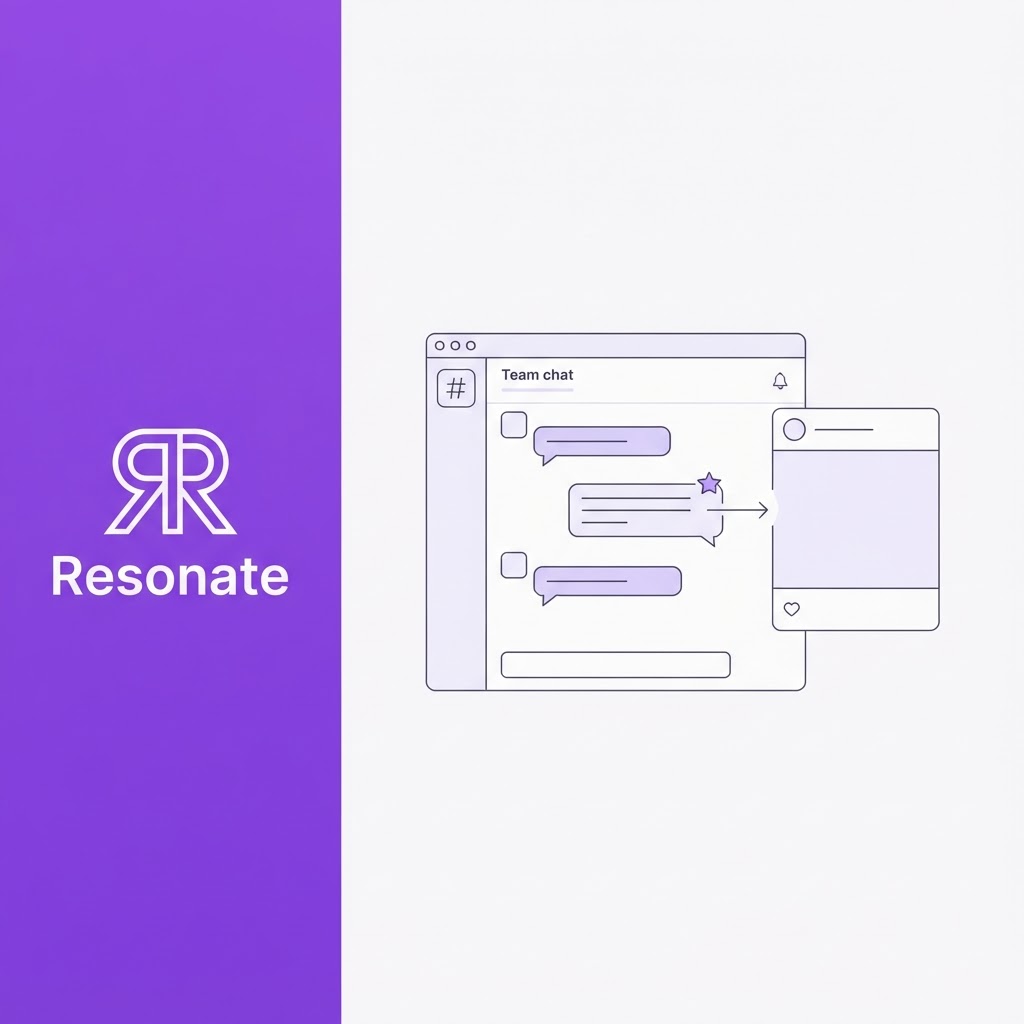
Your team probably shares more good LinkedIn material in Slack in a week than your founder posts in a month. A customer quote in #sales, a shipped feature in #product, a hard-won fix in #engineering, and a new hire's first win in #general. Then the messages scroll away, and the founder sits down on Friday wondering what to post.
Most guides to turning Slack team updates into LinkedIn posts jump straight to an automation that copies messages to LinkedIn. That skips the part that decides whether the posts are any good: how your team captures the right updates, gets permission, and hands them to whoever posts. This playbook covers that part.
Quick answer: To turn Slack updates into LinkedIn posts as a team, pick two or three channels where wins and lessons already appear, agree on one emoji that means "this could be a post", and set simple consent and credit rules. Each week, one owner reviews the flagged messages, picks the strongest, and rewrites them for LinkedIn, usually on the founder's or the contributor's own profile rather than the company page. Automation can collect the flags; a person should still approve every post.
Why do team updates make better LinkedIn posts than founder memory?
When a founder writes alone, they post what they remember. When a team feeds the process, you get what actually happened: the customer's exact words, the number that moved, and the fix that took three tries. Those details are what make a post credible.
LinkedIn's own advice to executives points the same way. Its guide, 10 Post Ideas to Kickstart Executive Thought Leadership, lists team member celebrations, customer stories, and behind-the-scenes leadership moments among its core post types. In most startups, all three show up in Slack first.
It matters commercially too. In the 2024 Edelman-LinkedIn study, 73% of B2B buyers said thought leadership is a more trustworthy basis for judging an organization's capabilities than its marketing materials (Edelman's summary of the study). Posts built from real teamwork are the clearest evidence of what your company can do.
Whose LinkedIn should team updates go on?
This is the decision most automation guides skip. The common Zapier templates post Slack messages as company page updates, but a team win usually lands better on a person's profile:
| Where it's posted | Best for |
|---|---|
| Founder's profile | Lessons, customer wins and team stories, told by the founder with the teammate tagged |
| Contributor's profile | Their own wins and lessons, when they choose to share them |
| Company page | Launches and company news, often reshared from a person's post |
A practical default: the founder tells the story and tags the teammate, the company page reshares launches, and contributors post their own wins when they choose to.
How do you set up Slack for LinkedIn content?
You don't need new channels to get LinkedIn posts from team updates. You need to know which existing channels to watch and give people one easy way to flag a moment.
Step 1: Pick two or three source channels
Start where wins and lessons already appear. Typical sources are #wins, #product, #customer-feedback, #sales and #engineering. Leave out DMs, private channels, and anything covering HR, finance, or legal.
Step 2: Agree on one emoji signal
Pick a single reaction, such as a custom :linkedin: emoji, that anyone can add to a message that could make a good post. One emoji is easier to remember than a form, and it keeps flagging inside the conversation where it happened.
Step 3: Collect the flags automatically
On paid Slack plans, Slack's Workflow Builder can start a workflow when someone uses an emoji reaction and can collect details with a form. A simple setup sends a note to a private #linkedin-ideas channel each time the emoji is used and asks the person who flagged it one question in a form: "What's the lesson here?"
Step 4: Make the ideas channel the only queue
Whoever owns the weekly review works from #linkedin-ideas, not from scrolling the whole workspace.
What consent and credit rules should team updates follow?
Slack messages are written for colleagues, not the public. Before anyone's update becomes a LinkedIn post, agree on a few rules and pin them in #linkedin-ideas:
- Ask before you post someone's win: A flag means "this could be a post", not "you can post this". Message the person and get a yes before drafting.
- Name the people who did the work: If a teammate fixed it, shipped it or closed it, credit them by name and tag them if they agree.
- Never quote private channels or DMs: Only use messages from channels the whole company can see, unless the author agrees.
- Keep customers anonymous by default: No company names, logos or figures from a customer's account without their written permission.
- Leave out what isn't public: Unannounced funding, hiring and departures, revenue you don't publish, and anything under NDA stay in Slack.
- Let people opt out: Anyone can ask never to be flagged, and that request sticks.
These rules do more than protect you. When teammates see their work credited publicly, they flag more of it, which is how the system keeps feeding itself.
What does the weekly team-to-LinkedIn rhythm look like?
The system works when one person owns it and everyone else does almost nothing. An example week:
- All week: Anyone adds the emoji to a message worth sharing. That takes seconds.
- Midweek: The owner reviews #linkedin-ideas, picks the strongest flags, and asks each person for a yes.
- Thursday: The owner rewrites the approved updates for LinkedIn and sends them to whoever is posting.
- Friday onward: The poster approves, and the posts go out across the following week.
What does a #wins message look like as a LinkedIn post?
A customer success manager posts this in #wins:
"Big one: the account that flagged churn risk last month just renewed for two years. What turned it was the CSV export we shipped in two days after their ops lead said it was the only thing blocking them."
The CEO flags it, gets a yes from the CSM, and the post goes out on the CEO's profile:
- Hook: Last month a customer told us they were probably leaving. This week they renewed for two years.
- What happened: Their ops lead said one missing feature was blocking them: a CSV export. Our team shipped it in two days.
- Credit: Priya, on our customer success team, heard the real problem behind the complaint. That's the whole story.
- Lesson: Churn risk is often one specific blocker, not general unhappiness. Ask what's actually in the way.
- Question: What's the smallest feature that saved a customer for you?
The customer stays anonymous, the teammate gets named credit, and the founder's post carries a real story. For more on this, see Resonate's take on why real work is the best source of LinkedIn content.
How do Slack content automation options compare?
Once the capture habit works, automation can take over the busywork. The options do very different jobs:
| Option | What it does | Rewrites for LinkedIn? | Approval step? |
|---|---|---|---|
| Slack Workflow Builder | Collects emoji-flagged messages into an ideas channel | No | Yes, a person picks what to post |
| Zapier or IFTTT | Posts message text to LinkedIn as it is, often to a company page | No | Not by default |
| AI browser agent | Drafts and posts through a logged-in browser | Yes | Varies |
| AI ghostwriter (Resonate) | Surfaces ideas from chosen channels and drafts in the poster's voice | Yes | Yes, every post |
Why raw reposting underperforms: A Slack message is written for people who already have the context. Posted as is, it reads like an internal memo to everyone else, and it skips the consent and credit steps above. Slack content automation works best when it automates the capture and the drafting and leaves the decision to post to a person.
If you're weighing an AI browser agent, ask how it reaches LinkedIn. Tools that drive a logged-in browser carry more account risk than ones that publish through an official connection.
Where does Resonate fit in the team playbook?
Resonate is an AI LinkedIn ghostwriter powered by your real work and calibrated to your voice. In this playbook, it replaces the owner's Thursday rewrite and does the scanning your emoji signal only partly covers. It connects to Slack directly through its API, not a browser extension, and reads only the channels you choose. The workflow runs in nine steps:
- Real work: Your chosen Slack channels, alongside tools like Notion, GitHub, and HubSpot, through Resonate's integrations.
- Ideas: The content ideas engine surfaces post-worthy updates daily, each with an engagement estimate.
- Voice calibration: Drafts follow the voice profile of whoever is posting, so a founder's post sounds like the founder.
- AI draft: Each idea becomes a full LinkedIn draft.
- AI critique: Hook, Voice, and Virality agents review it before anyone sees it.
- Human approval: The poster approves, edits, or rejects. Your consent and credit rules still apply here.
- Schedule: Approved posts are queued.
- Publish: Posts go out without browser extensions, cookie-based logins, or scraping.
- Learn from performance: Engagement analytics show which kinds of team stories land, so you know which channels to watch more closely.
For the full product walkthrough, read the step-by-step guide to Resonate's Slack integration. The same capture habit works for docs too: see how to turn Notion docs into LinkedIn posts.
Put your team's Slack to work. Start a free 14-day Resonate trial and connect the channels from this playbook, or compare Resonate plans. Learn more about the AI LinkedIn content generator.
How does the playbook work for each role?
- Founders and CEOs: You stop being the only source of ideas. Your job shrinks to approving posts built from what your team already shared, which keeps your LinkedIn consistent through busy weeks. (See also the AI ghostwriter built for busy founders.)
- CMOs, growth, and content marketers: You become the owner of the weekly rhythm. The emoji signal and the ideas channel give you a steady pipeline without chasing people for stories, and the consent rules keep you out of trouble.
- Executive assistants and chiefs of staff: You're often closest to the founder's Slack. Owning #linkedin-ideas and the consent check is a natural fit, with the founder keeping final approval. If you'd rather hand off the drafting and publishing entirely, Resonate's done-for-you plan with a named editor covers it.
- Agencies and ghostwriters: Ask clients to add you to their #linkedin-ideas channel instead of booking weekly calls. You get raw material as it happens, with consent already handled. See how Resonate supports agencies running several client accounts.
- Investors and VC platform teams: If your portfolio companies run on Slack, sharing this playbook gives their founders a low-effort way to build visibility while they hire and sell. Firms introducing Resonate across a portfolio can use the Resonate referral partner program.
Final takeaway
The best way to turn Slack updates into LinkedIn posts isn't a connector that copies messages across. It's a small team habit: a few source channels, one emoji, clear consent rules, and one owner. Get that right, and any tool you add later, from a Slack workflow to an AI ghostwriter, has something worth posting to work with.
Frequently asked questions
Can you post Slack messages directly to LinkedIn?
Yes, with automation tools like Zapier or IFTTT, but they post the message text as it is. Zapier's common templates post to a company page, IFTTT's LinkedIn actions need a Pro plan, and neither adds a rewrite or approval step by default. Most teams get better results by rewriting each update for LinkedIn before it goes out.
How do I turn Slack updates into LinkedIn posts without extra work for the team?
Give the team one job: add an agreed emoji to any message worth sharing. One owner reviews the flagged messages weekly, gets consent, and handles the drafting. Everyone else spends seconds, not hours.
Do I need permission to post a teammate's Slack message on LinkedIn?
You should always ask. Slack messages are written for colleagues, and a teammate may not want their words or name made public. A quick yes before drafting also lets you credit them properly.
Should team wins go on the company page or the founder's profile?
Launches and company news suit the company page. Lessons and wins usually land better on a person's profile, with the founder telling the story and naming the teammate who did the work.
Which Slack channels should I connect to an AI tool?
Start with two or three public channels where wins and lessons already appear, such as #wins, #product, or #customer-feedback. Leave out DMs, private channels, and anything covering HR, finance, or legal.
How do I keep the team flagging updates?
Credit people by name when their work is posted, share a monthly roundup in Slack of what was posted and how it did, and thank whoever flagged the best ideas. People flag more when they see it matters.