What Is an MCP Server for LinkedIn Content?
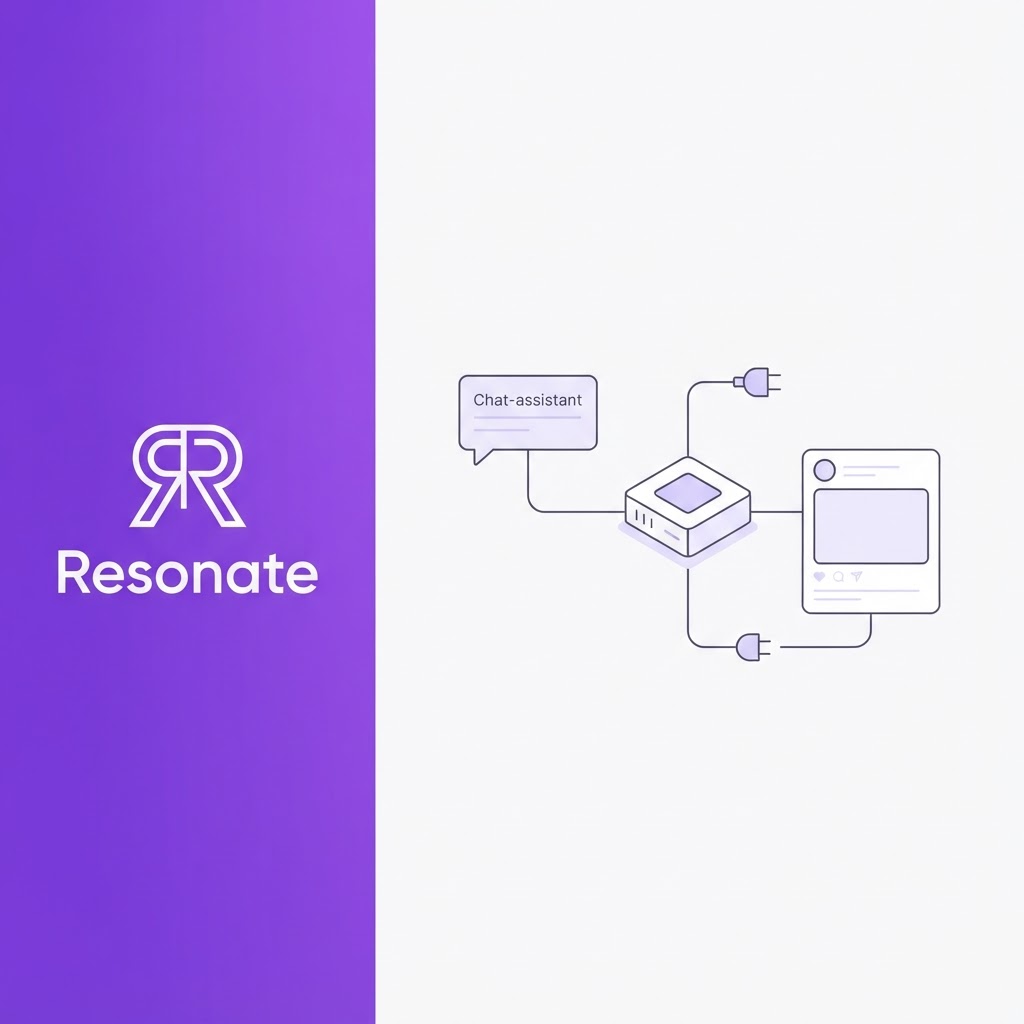
Search for a LinkedIn MCP server, and you'll land on GitHub repos with setup instructions, OAuth scopes, and tool lists. That's useful if you're a developer. If you're a founder or marketer who just wants Claude or ChatGPT to help with LinkedIn, it leaves the basic questions unanswered: what is this thing, which kind is safe for my account, and will it actually make my posts better?
This guide answers those questions in plain language. It covers what an MCP server is, how one connects an AI assistant to LinkedIn, the three types you'll find and the risks of each, and how to choose one for content work.
Quick answer: A LinkedIn MCP server is a connector that lets an AI assistant such as Claude, ChatGPT, or Cursor take actions on LinkedIn, like reading your profile or publishing a post, through the Model Context Protocol (MCP). Some use LinkedIn's official API, some drive a logged-in browser, and some scrape data. A server only handles the connection. The quality of your posts still depends on where the ideas come from, how well the draft matches your voice, and whether a person reviews it before it goes live.
What is the Model Context Protocol?
The Model Context Protocol (MCP) is an open-source standard for connecting AI applications to external systems, such as data sources, tools, and workflows. The official MCP site compares it to a USB-C port for AI: one standard plug instead of a custom cable for every device (What is the Model Context Protocol?). Anthropic introduced and open-sourced MCP on 25 November 2024 (Anthropic's MCP announcement), and it is now supported by Claude, ChatGPT, Visual Studio Code, Cursor and many other tools.
Three terms are worth knowing:
- Host: The AI app you work in, such as Claude Desktop, ChatGPT, or Cursor.
- MCP server: A small program that exposes a set of tools, for example "create a post" or "get my profile".
- Tools: The specific actions the AI can call through the server, with your permission.
So a Model Context Protocol LinkedIn connection is simply an MCP server whose tools act on LinkedIn, or on a LinkedIn content system, instead of on files or a database.
How does a LinkedIn MCP server work?
You ask your AI assistant to do something in plain words. The assistant sees which tools the MCP server offers, picks the right one, and calls it. The server carries out the action on LinkedIn and returns the result to your chat. Most hosts ask you to approve a tool call before it runs, which is your first safety check.
The server itself is plumbing. It decides how the AI reaches LinkedIn, not what gets posted. That is the part every developer guide skips, and it matters more than the setup.
What are the types of LinkedIn MCP servers, and which put your account at risk?
Not every LinkedIn MCP server reaches LinkedIn the same way, and the method decides both what it can do and how safe it is for your account.
| Type | How it reaches LinkedIn | What it can do | Account risk |
|---|---|---|---|
| Official API | OAuth through LinkedIn's developer platform | Post text, articles, images, and video; read your own basic profile | Low, within LinkedIn's rules and rate limits |
| Browser session | Drives a logged-in browser with your session | Can read feeds, profiles, and messages | High; automated accounts can be restricted or banned |
| Scraping | Extracts page data without official access | Reads public data | High; outside LinkedIn's official access |
The official API is narrower than most people expect. LinkedIn's Share on LinkedIn documentation lets an app post text, articles, images, and videos on a member's behalf with the w_member_social permission, capped at 150 requests per member per day. One official API server, souravdasbiswas/linkedin-mcp-server, lists what self-serve access can't do: read other people's profiles, search for people, send messages, read your feed, or see your connections. If a server promises those things, check how it gets them.
Browser-session servers carry the clearest warning. The open-source stickerdaniel/linkedin-mcp-server states that "accounts using automated tools can be restricted or banned" and offers no guarantee of account safety. That candour is useful: if your LinkedIn profile is a sales channel, don't hand an AI agent your session cookies. For more on staying safe, see safe posting automation practices.
What can you do with a LinkedIn MCP server?
For content work, the useful question isn't "Can my AI post to LinkedIn?" It's "Can my AI help me post something worth reading?" From simplest to most valuable, an MCP LinkedIn integration can publish a post you've already written, schedule approved drafts, surface post ideas from your work, draft in your voice, and report on what performed.
What a connection alone won't fix
A server that only posts gives your AI a publish button. It doesn't give it anything to say. Generic AI drafts sound generic because they start from a generic prompt, and posting them faster doesn't change that. The quality comes from three things upstream of the server:
- Ideas from real work: Decisions, customer conversations, and lessons from the tools you already use. (See LinkedIn content ideas from your work.)
- Your voice: A model trained on how you actually write, not a LinkedIn template.
- Review before publishing: A critique step and a human approval step, so nothing goes live by accident.
That's the case for pairing MCP with a content system rather than a bare posting server. The AI assistant becomes the place you work; the content system supplies the ideas, the voice, and the guardrails.
How do you choose a LinkedIn MCP server? 8 questions
- How does it reach LinkedIn? Prefer OAuth through LinkedIn's official API or a platform that publishes officially. Avoid anything that asks for your password or session cookies.
- Can you revoke access? Look for scoped tokens you can cancel at any time, without changing your LinkedIn password.
- Is there a human approval step? An AI agent that can publish should still wait for you. Check whether the server publishes immediately or schedules approved drafts.
- Do you need to self-host? Most open-source servers need a LinkedIn developer app, client credentials, and local setup. A hosted server removes that work for non-developers.
- Does it work in your tools? Confirm support for the clients you actually use: Claude, ChatGPT, Cursor, n8n, or Zapier.
- Where do the ideas come from? A posting-only server leaves you to supply every idea. A content-workflow server can pull them from your work tools.
- Will the drafts sound like you? Ask whether drafting uses a voice model trained on your writing or a generic prompt.
- Can it handle more than one account? Agencies and teams need each person's voice, tools, and data kept separate.
If a server, or any other AI agent LinkedIn tool, fails questions 1 to 3, don't connect it to an account you rely on for business.
How does Resonate's MCP integration work?
Resonate is an AI LinkedIn ghostwriter powered by your real work and calibrated to your voice. Its MCP integration for Claude, ChatGPT, and Cursor lets you run that whole system from the AI tool you already work in, instead of switching apps. It is a content-workflow server: it doesn't give your AI a bare publish button, it gives it ideas, your voice, and a review step. Each of Resonate's MCP tools maps to a step in its workflow.
Security and setup: You add Resonate's MCP endpoint to your client, complete an OAuth flow, and approve which actions the client may use. Tokens are scoped, revocable at any time from Resonate's settings, and isolated per workspace. Officially supported clients are Claude Desktop, Cursor, and n8n, with ChatGPT and Zapier supported through their own MCP clients. MCP is included from the Starter plan up, with no separate fee.
Under the hood, the same system powers the app: the content ideas engine, voice calibration, the three-agent critique, and performance analytics.
Bring LinkedIn into the AI tools you already use. Start a free 14-day Resonate trial and connect it to Claude, ChatGPT, or Cursor, or compare Resonate plans. Learn more about the AI LinkedIn content generator.
What does a LinkedIn MCP workflow look like for your role?
- Founders and CEOs: You already think out loud in Claude or ChatGPT. With an MCP connection to a content system, the strategy you just worked through can become a draft in your voice in the same chat, so founder visibility stops depending on spare evenings. For an example of one source feeding this flow, see how Slack threads become LinkedIn posts in Resonate, or how to turn Notion docs into LinkedIn posts.
- CMOs, growth and content marketers: MCP lets you build executive content workflows in n8n or Zapier, such as a Monday run that pulls ideas, drafts them in each executive's voice and sends them for approval. It scales production without adding meetings or losing brand voice.
- Executive assistants and chiefs of staff: You can ask the AI assistant you already use to queue the founder's approved posts or check last month's results, without logging into another tool. If you'd rather hand off the whole process, Resonate's done-for-you service with a named editor runs it for you.
- Agencies and ghostwriters: MCP is where multi-client work gets risky, because one agent can touch many accounts. Look for per-workspace token isolation, so each client's voice, tools and data stay separate. Resonate's agency plan for client LinkedIn is built around one voice profile per client.
- Investors and VC platform teams: For portfolio founders who already work in AI assistants, a shared, safe LinkedIn MCP setup gives founder-led marketing without a ghostwriter on every team. Firms introducing Resonate across a portfolio can join the Resonate partner program.
Final takeaway
A LinkedIn MCP server is a way for your AI assistant to reach LinkedIn, and the method it uses decides how safe your account is. But the connection is the easy part. What makes LinkedIn content work - ideas from your real work, a draft that sounds like you, and a person who approves it - sits above the server. Choose a connection that is safe, then make sure it is plugged into a system that has something worth saying.
Frequently asked questions
What is a LinkedIn MCP server?
A LinkedIn MCP server is a connector that lets an AI assistant such as Claude, ChatGPT, or Cursor take actions on LinkedIn through the Model Context Protocol. It exposes tools like "create post" or "get profile" that the AI can call with your permission.
Is there an official LinkedIn MCP server?
None of the top-ranking LinkedIn MCP servers is published by LinkedIn. They are open-source projects or third-party tools that use LinkedIn's API, a browser session, or scraping. Check who publishes a server and how it reaches LinkedIn before you connect it.
Is using a LinkedIn MCP server against LinkedIn's terms?
It depends on the type. Servers that use LinkedIn's official API through OAuth work within the developer platform's rules and rate limits. Servers that automate a logged-in browser or scrape data carry real risk, and one popular project warns that accounts using automated tools can be restricted or banned.
Can a LinkedIn MCP server read my feed or send messages?
Not through LinkedIn's self-serve official API, which covers posting and your own basic profile. Servers that can read feeds or send messages typically drive a logged-in browser, which is where the account risk sits.
Do I need to code to use a LinkedIn MCP server?
Most open-source servers need a LinkedIn developer app, client credentials, and some local setup. Hosted options such as Resonate's MCP integration only need you to add an endpoint to your AI client and approve access through OAuth.
Can an agency use one MCP connection across several client accounts?
Only if the server keeps each client separate. Look for per-workspace, revocable tokens so one client's voice, data and tools never mix with another's.
Will posts drafted through MCP sound like me?
Only if the drafting step uses a voice model trained on your own writing. A server that just posts will publish whatever your AI writes, which is usually generic. A content-workflow server loads your voice profile before drafting and scores each draft before you approve it.