AI Writer vs AI Agent: What's the Difference?
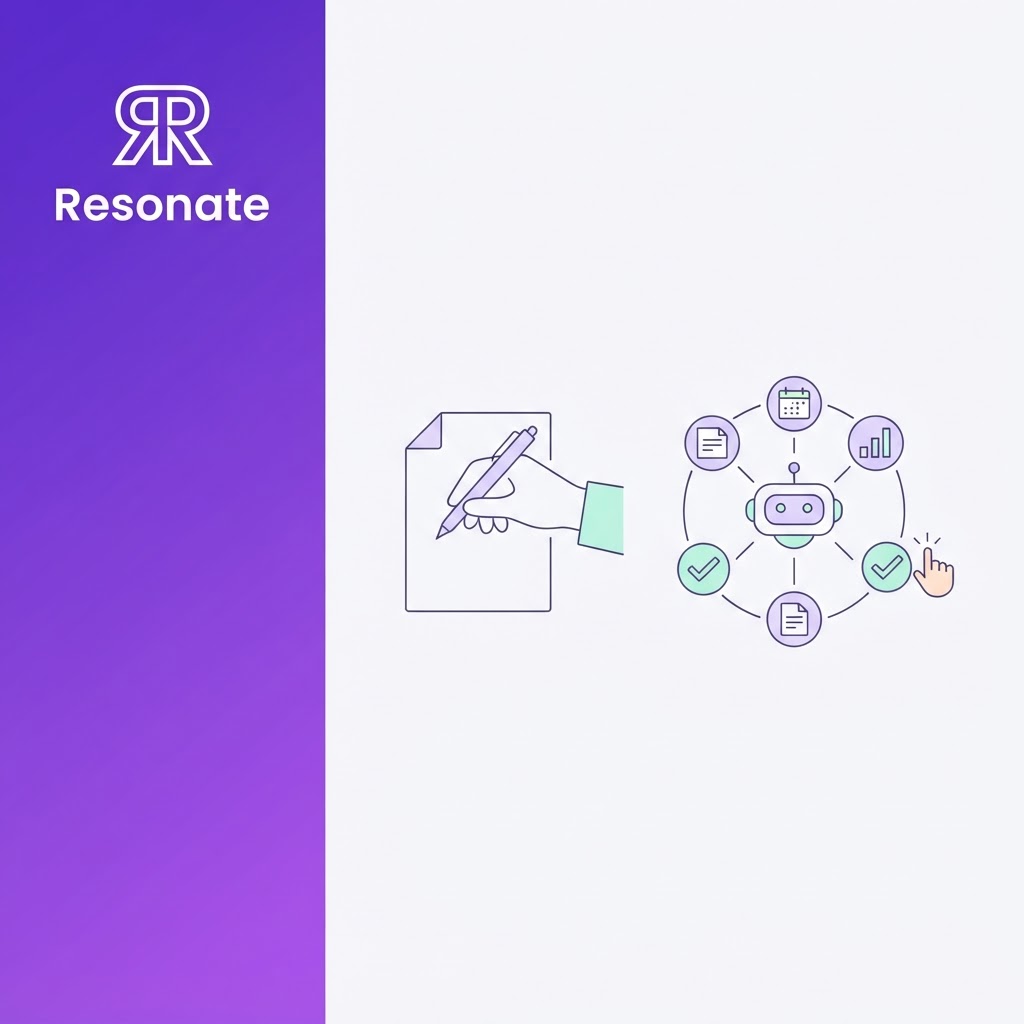
Every LinkedIn tool now calls itself an agent. Some genuinely find ideas, draft, check, and schedule posts with little prompting. Others are AI writers with a calendar attached. For a founder or marketer choosing a tool, the label matters less than one question: what does the tool do on its own, and what does it leave to you?
This guide explains the real difference between an AI writer and an AI agent, what AI agents for LinkedIn content should and shouldn't do alone, how to spot a relabeled writer, and why the best set-up for a personal brand automates everything except the decision to publish.
Quick answer: An AI writer produces a draft when you ask for one, from the prompt you give it. An AI agent works toward a goal across several steps on its own: it finds ideas, decides what to draft, uses tools, checks its work, and schedules posts, then learns from the results. For LinkedIn content, the safest and most effective design is an agentic tool that runs those steps automatically but waits for your approval before anything is published under your name.
What is the difference between an AI writer, an AI workflow, and an AI agent?
The clearest public definitions come from Anthropic's engineering guide, Building effective agents. It separates fixed workflows, where AI and tools follow steps written in advance, from agents, which it describes as "systems where LLMs dynamically direct their own processes and tool usage." Applied to LinkedIn content:
- AI writer: You give it a prompt; it gives you a draft. It does one step, once, and knows only what you told it. Most "AI LinkedIn post generators" work this way.
- AI workflow: A fixed chain of steps runs the same way every time, for example, "Every Monday, turn this RSS feed into three drafts and schedule them." It's automated, but it doesn't decide anything.
- AI agent: It's given a goal, such as "keep my LinkedIn active with posts my buyers care about", and works out the steps itself. It chooses which ideas are worth drafting, uses tools to gather context, critiques its own drafts, and adjusts based on what performed.
An agentic LinkedIn tool sits on the agent end of that spectrum: several steps run on their own, with the tool making judgment calls between them. Agents use tools through connections such as the Model Context Protocol, the open standard that lets AI apps like Claude and ChatGPT reach outside systems. For more, see what an MCP server for LinkedIn content is.
How do an AI writer and an AI agent differ in practice?
A writer hands you a draft and stops. An agentic tool runs a loop: it finds ideas, drafts, critiques, waits for your approval, publishes, then learns from the results and feeds them into the next round. The approval step is the one step that should never be automated for a personal brand.
| AI writer | AI agent | |
|---|---|---|
| Starts work | When you prompt it | On its own, toward a goal |
| Ideas | Whatever you paste in | Finds them from its sources |
| Steps | One draft, once | Find, draft, critique, schedule, publish |
| Checks its work | No | Yes, before you see it |
| Learns from results | No | Yes, feeds the next round |
What should a LinkedIn AI agent do on its own, and what shouldn't it?
The value of an agent is in the steps you no longer have to do. The risk is in the steps it shouldn't do without you. Here's a sensible split:
| Let the agent do it | Keep a person on it |
|---|---|
| Finding ideas in your work tools | Deciding what is public |
| Drafting in your voice | Approving every post before it publishes |
| Critiquing and scoring drafts | Sending messages, comments or connection requests as you |
| Scheduling approved posts | Setting off-limits topics and sources |
| Learning from engagement | Checking facts, names and numbers |
Where ideas come from decides how good the agent is. Most agents in the top search results find topics by scanning the news or articles you link. That produces the same posts everyone else in your industry is writing. An agent that reads your own work, such as Slack threads, Notion docs, customer calls, and product updates, has something no competitor can copy. That's the difference between thought leadership and commentary. (See why your work is the best source of LinkedIn content.)
Where does full autonomy go wrong on LinkedIn?
Anthropic's agent guide recommends starting with the simplest approach that works and adding autonomy only where it clearly helps. It warns that agents trade cost and speed for performance and that errors can compound across steps, so they need guardrails and testing. On LinkedIn, that plays out in three ways.
- Compounding errors become public: A wrong fact in step one becomes a confident post in step five. Without a review step, the first person to catch the mistake is a prospect, an investor, or a candidate.
- Content agents and outreach agents carry different risks: A content agent that drafts posts for your approval risks a weak post. An outreach agent that sends connection requests, comments, and messages as you risks your reputation and your account. Several top-ranking "LinkedIn AI agents" are outreach tools described as running on autopilot, with no approval step.
- "Simulates human behavior" is a warning sign: If a tool says it stays safe by mimicking how a person behaves, it is likely automating your logged-in account directly. One open-source LinkedIn automation project states plainly that "accounts using automated tools can be restricted or banned" (stickerdaniel/linkedin-mcp-server). Safer tools publish through official connections, use configurable limits, and never need your password or session cookies.
The pattern that avoids all three: let the agent do the finding, drafting, checking, and scheduling, and keep a person on the decision to publish or to contact someone.
How do you tell a real LinkedIn AI agent from a relabeled writer?
Ask five questions of any tool marketed as a LinkedIn AI agent:
- Does it do anything before I prompt it? A real agent surfaces ideas on its own. A writer waits for you.
- Where do its ideas come from? Your work tools, the web, or only what you paste in?
- Does it check its own drafts? Look for a critique or scoring step before drafts reach you.
- Does it learn from results? Engagement data should change future ideas and drafts.
- Can I require approval before anything is published or sent? If the answer is no, or approval is optional and off by default, treat it as a risk.
And one safety question: how does it reach LinkedIn? Prefer official connections over browser extensions, cookie-based logins, or scraping. For a wider checklist, see how to choose an AI ghostwriting tool for LinkedIn.
Writer, agent, or agentic tool with approval: which do you need?
- An AI writer is enough if: You post occasionally, you already have the ideas, and you enjoy shaping the final words. A free tool like Resonate's free LinkedIn post generator covers that.
- A fully autonomous agent fits: Low-stakes, high-volume tasks where a mistake costs little. A founder's personal brand is rarely one of them.
- An agentic tool with approval fits if: You want consistent posting without the time cost, your best material lives in your work tools, and nothing should go out under your name without a yes from you. That's most founders and executive teams.
How does Resonate work as an agentic LinkedIn tool?
Resonate is an AI LinkedIn ghostwriter powered by your real work and calibrated to your voice. It's built as an agentic tool with a human gate: it runs every step on its own except the one that matters, your approval.
- Real work: It watches the tools you connect, such as Slack, Notion, GitHub, HubSpot, and Salesforce, for launches, wins, decisions, and customer insights.
- Ideas: Its ideas engine surfaces post-worthy moments from that work, each with an engagement estimate.
- Voice calibration: A voice model built from your own writing shapes every draft.
- AI draft: Each idea becomes a full draft.
- AI critique: Three specialist critique agents (Hook, Voice, and Virality) review every draft before you see it.
- Human approval: Nothing publishes until you approve it.
- Schedule: Approved posts are queued for the best time.
- Publish: Posts go out without browser extensions, cookie-based logins, or scraping.
- Learn from performance: Self-learning engagement analytics feed results back into future ideas and drafts.
Two more agentic pieces are worth knowing. If you already work in Claude, ChatGPT, or Cursor, Resonate's MCP tools let your own AI assistant drive the same workflow. And Resonate's network outreach feature runs with configurable daily limits and safety caps rather than on unlimited autopilot.
See an agentic LinkedIn tool that still asks first. Start a free 14-day Resonate trial, or compare Resonate's plans. Learn more about the AI LinkedIn content generator.
Writer or agent: what changes for each role?
- Founders and CEOs: A writer still makes you the source of every idea. An agentic tool takes the idea-finding and drafting off your plate and leaves you the approval, which is where your judgment matters most. (See the AI ghostwriter built for busy founders.)
- CMOs, growth, and content marketers: Agents let you scale executive content across several leaders without scaling interviews. Your role shifts from writing to setting rules: which sources the agent watches, which topics are off-limits, and who approves what.
- Executive assistants and chiefs of staff: You can manage the agent's queue and schedule, but agree up front that the executive approves every post. If you'd prefer to hand off the whole process, Resonate's done-for-you option with a named editor adds a human layer on top of the agent.
- Agencies and ghostwriters: An agent per client, each with its own voice and sources, lets you grow accounts without growing headcount, as long as every client approves their own posts. See how Resonate handles multi-client agency accounts.
- Investors and VC platform teams: A shared standard for portfolio founders, agentic drafting with founder approval, keeps founder-led marketing consistent without risking anyone's account. Firms that want to introduce Resonate across a portfolio can join the Resonate partner program for VCs and agencies.
Final takeaway
The difference between an AI writer and an AI agent is who does the work between the idea and the post. A writer leaves almost all of it with you. An agent takes it on, which is exactly why it needs a clear boundary. For AI agents for LinkedIn content, the right boundary is simple: let the agent find, draft, check, and schedule, and keep the decision to publish with the person whose name is on the post.
Frequently asked questions
What is the difference between an AI writer and an AI agent?
An AI writer produces one draft when you prompt it. An AI agent works toward a goal across several steps on its own, deciding what to do next, using tools, checking its work, and learning from results. For LinkedIn, that means an agent can find ideas, draft, critique, and schedule, while a writer only drafts.
What is an agentic LinkedIn tool?
An agentic LinkedIn tool runs several content steps automatically, such as finding ideas in your work, drafting in your voice, scoring drafts, and scheduling posts, and makes judgment calls between those steps. The best ones still require your approval before anything is published.
Can an AI agent post to LinkedIn automatically?
Technically yes, but it isn't a good idea for a personal brand. Use an agent that drafts and schedules automatically but waits for your approval and that publishes through an official connection rather than a browser extension or your login cookies.
Are AI agents for LinkedIn safe to use?
It depends on two things: how the agent reaches LinkedIn and whether it acts as you without asking. Content agents that publish approved posts through official connections are low risk. Outreach agents that send messages or comments on autopilot through a logged-in browser carry real account risk.
Do AI agents for LinkedIn work with ChatGPT or Claude?
Yes, if the tool offers a Model Context Protocol (MCP) connection. That lets your AI assistant call the agent's tools, such as listing ideas or generating a draft, from inside the chat.
Will an AI agent make my LinkedIn posts sound generic?
Only if its ideas and voice are generic. Agents that pull topics from the news and write from a tone setting sound like everyone else. Agents that work from your own projects and a voice model trained on your writing sound like you.

Content Writer @ Resonate
Charlotte explores LinkedIn content, personal branding, AI writing, and founder-led marketing at Resonate. She believes the best content comes from real experience, not generic advice, and writes practical insights to help founders turn what they already know into content that people want to read.
Write LinkedIn content that sounds like you
with Resonate's AI Voice Engine